Thông tin liên hệ
- 036.686.3943
- admin@nguoicodonvn2008.info

Hướng dẫn này sẽ chỉ cho bạn cách reset hoàn toàn các thành phần và policy của Windows Update về mặc định trong Windows 11.
Windows Update giữ cho Windows 11 được cập nhật bằng cách tự động tải xuống và cài đặt các bản cập nhật, driver và bản sửa lỗi mới nhất do Microsoft phát hành.
Đôi khi, bạn có thể gặp sự cố với Windows Update, chẳng hạn như không thể tải xuống hoặc cài đặt các bản cập nhật, thông báo lỗi, không thể tìm kiếm các bản cập nhật mới, sự cố cập nhật đang chờ xử lý, v.v... Những sự cố này có thể xảy ra khi cơ sở dữ liệu Windows Update hoặc các thành phần bị hỏng, một hoặc nhiều service liên quan đến Windows Update không chạy, v.v...
Việc reset các thành phần Windows Update thường có thể giải quyết các loại sự cố này.
Đây là cách reset Windows Update trong Windows 11:
1. Tải xuống file .bat bên dưới.
Reset_Reregister_Windows_Update_Components_for_Windows11.bat:
https://www.elevenforum.com/attachments/reset_reregister_windows_update_components_for_windows11-bat.17838/?hash=880cbfb2a5146d8063c69bfdbe10e1c7
Nội dung file BAT để tham khảo:
Code:
@echo off

:: Prompt to Run as administrator
Set "Variable=0" & if exist "%temp%\getadmin.vbs" del "%temp%\getadmin.vbs"
fsutil dirty query %systemdrive%  >nul 2>&1 && goto :(Privileges_got)
If "%1"=="%Variable%" (echo. &echo. Please right-click on the file and select &echo. "Run as administrator". &echo. Press any key to exit. &pause>nul 2>&1& exit)
cmd /u /c echo Set UAC = CreateObject^("Shell.Application"^) : UAC.ShellExecute "%~0", "%Variable%", "", "runas", 1 > "%temp%\getadmin.vbs"&cscript //nologo "%temp%\getadmin.vbs" & exit
:(Privileges_got)

:: Checking and Stopping the Windows Update services
set b=0

:bits
set /a b=%b%+1
if %b% equ 3 (
   goto end1
)
net stop bits
echo Checking the bits service status.
sc query bits | findstr /I /C:"STOPPED"
if not %errorlevel%==0 (
    goto bits
)
goto loop2

:end1
cls
echo.
echo Cannot reset Windows Update since "Background Intelligent Transfer Service" (bits) service failed to stop. Please restart the computer, and try again.
echo.
pause
goto Start
:loop2
set w=0

:wuauserv
set /a w=%w%+1
if %w% equ 3 (
   goto end2
)
net stop wuauserv
echo Checking the wuauserv service status.
sc query wuauserv | findstr /I /C:"STOPPED"
if not %errorlevel%==0 (
    goto wuauserv
)
goto loop3

:end2
cls
echo.
echo Cannot reset Windows Update since "Windows Update" (wuauserv) service failed to stop. Please restart the computer, and try again.
echo.
pause
goto Start
:loop3
set c=0

:cryptsvc
set /a c=%c%+1
if %c% equ 3 (
   goto end4
)
net stop cryptsvc
echo Checking the cryptsvc service status.
sc query cryptsvc | findstr /I /C:"STOPPED"
if not %errorlevel%==0 (
    goto cryptsvc
)
goto Reset

:end4
cls
echo.
echo Cannot reset Windows Update since "Cryptographic Services" (cryptsvc) service failed to stop. Please restart the computer, and try again.
echo.
pause
goto Start
:Reset
Ipconfig /flushdns
del /s /q /f "%ALLUSERSPROFILE%\Application Data\Microsoft\Network\Downloader\qmgr*.dat"
del /s /q /f "%ALLUSERSPROFILE%\Microsoft\Network\Downloader\qmgr*.dat"
del /s /q /f "%SYSTEMROOT%\Logs\WindowsUpdate\*"
if exist "%SYSTEMROOT%\winsxs\pending.xml.bak" del /s /q /f "%SYSTEMROOT%\winsxs\pending.xml.bak"
if exist "%SYSTEMROOT%\winsxs\pending.xml" (
    takeown /f "%SYSTEMROOT%\winsxs\pending.xml"
    attrib -r -s -h /s /d "%SYSTEMROOT%\winsxs\pending.xml"
    ren "%SYSTEMROOT%\winsxs\pending.xml" pending.xml.bak
)
if exist "%SYSTEMROOT%\SoftwareDistribution\DataStore.bak" rmdir /s /q "%SYSTEMROOT%\SoftwareDistribution\DataStore.bak"
if exist "%SYSTEMROOT%\SoftwareDistribution\DataStore" (
    attrib -r -s -h /s /d "%SYSTEMROOT%\SoftwareDistribution\DataStore"
    ren "%SYSTEMROOT%\SoftwareDistribution\DataStore" DataStore.bak
)

if exist "%SYSTEMROOT%\SoftwareDistribution\Download.bak" rmdir /s /q "%SYSTEMROOT%\SoftwareDistribution\Download.bak"
if exist "%SYSTEMROOT%\SoftwareDistribution\Download" (
    attrib -r -s -h /s /d "%SYSTEMROOT%\SoftwareDistribution\Download"
    ren "%SYSTEMROOT%\SoftwareDistribution\Download" Download.bak
)
if exist "%SYSTEMROOT%\system32\Catroot2.bak" rmdir /s /q "%SYSTEMROOT%\system32\Catroot2.bak"
if exist "%SYSTEMROOT%\system32\Catroot2" (
    attrib -r -s -h /s /d "%SYSTEMROOT%\system32\Catroot2"
    ren "%SYSTEMROOT%\system32\Catroot2" Catroot2.bak
)
:: Reset Windows Update policies
reg delete "HKCU\SOFTWARE\Policies\Microsoft\Windows\WindowsUpdate" /f
reg delete "HKCU\SOFTWARE\Microsoft\Windows\CurrentVersion\Policies\WindowsUpdate" /f
reg delete "HKLM\SOFTWARE\Policies\Microsoft\Windows\WindowsUpdate" /f
reg delete "HKLM\SOFTWARE\Microsoft\Windows\CurrentVersion\Policies\WindowsUpdate" /f
gpupdate /force
:: Reset the BITS service and the Windows Update service to the default security descriptor
sc.exe sdset bits D:(A;;CCLCSWRPWPDTLOCRRC;;;SY)(A;;CCDCLCSWRPWPDTLOCRSDRCWDWO;;;BA)(A;;CCLCSWLOCRRC;;;AU)(A;;CCLCSWRPWPDTLOCRRC;;;PU)
sc.exe sdset wuauserv D:(A;;CCLCSWRPWPDTLOCRRC;;;SY)(A;;CCDCLCSWRPWPDTLOCRSDRCWDWO;;;BA)(A;;CCLCSWLOCRRC;;;AU)(A;;CCLCSWRPWPDTLOCRRC;;;PU)
:: Reregister the BITS files and the Windows Update files
cd /d %windir%\system32
regsvr32.exe /s atl.dll
regsvr32.exe /s urlmon.dll
regsvr32.exe /s mshtml.dll
regsvr32.exe /s shdocvw.dll
regsvr32.exe /s browseui.dll
regsvr32.exe /s jscript.dll
regsvr32.exe /s vbscript.dll
regsvr32.exe /s scrrun.dll
regsvr32.exe /s msxml.dll
regsvr32.exe /s msxml3.dll
regsvr32.exe /s msxml6.dll
regsvr32.exe /s actxprxy.dll
regsvr32.exe /s softpub.dll
regsvr32.exe /s wintrust.dll
regsvr32.exe /s dssenh.dll
regsvr32.exe /s rsaenh.dll
regsvr32.exe /s gpkcsp.dll
regsvr32.exe /s sccbase.dll
regsvr32.exe /s slbcsp.dll
regsvr32.exe /s cryptdlg.dll
regsvr32.exe /s oleaut32.dll
regsvr32.exe /s ole32.dll
regsvr32.exe /s shell32.dll
regsvr32.exe /s initpki.dll
regsvr32.exe /s wuapi.dll
regsvr32.exe /s wuaueng.dll
regsvr32.exe /s wuaueng1.dll
regsvr32.exe /s wucltui.dll
regsvr32.exe /s wups.dll
regsvr32.exe /s wups2.dll
regsvr32.exe /s wuweb.dll
regsvr32.exe /s qmgr.dll
regsvr32.exe /s qmgrprxy.dll
regsvr32.exe /s wucltux.dll
regsvr32.exe /s muweb.dll
regsvr32.exe /s wuwebv.dll
netsh winsock reset
netsh winsock reset proxy

:: Set the startup type as automatic
sc config wuauserv start= auto
sc config bits start= auto
sc config DcomLaunch start= auto

:Start
net start bits
net start wuauserv
net start cryptsvc

:: Restart computer
cls
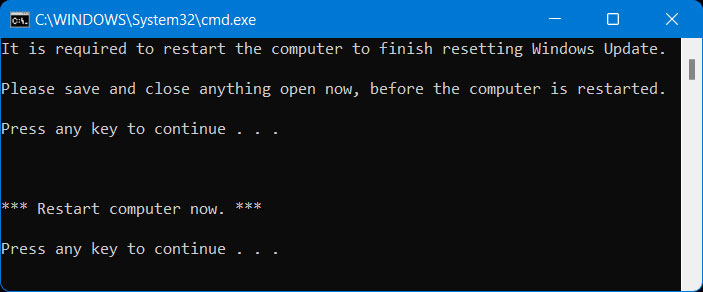
echo It is required to restart the computer to finish resetting Windows Update.
echo.
echo Please save and close anything open now, before the computer is restarted.
echo.
pause
echo.
echo.
echo.
echo *** Restart computer now. ***
echo.
pause
shutdown /r /f /t 0
2. Lưu file .bat vào desktop của bạn.
3. Bỏ chặn file .bat.
4. Chạy file .bat.
5. Nếu được UAC nhắc, hãy nhấn vào Yes để phê duyệt việc chạy với quyền admin.
6. Khi quá trình reset Windows Update hoàn tất, bạn sẽ được nhắc "Please save and close anything open now, before the computer is restarted." và nhấn phím bất kỳ để tiếp tục khi đã sẵn sàng.
Lưu ý: Nếu một service không dừng được sau 3 lần thử, file .bat sẽ tự động kết thúc với thông báo "Failed to reset Windows Update" và nhắc nhấn một phím để tiếp tục.
Khi một phím được nhấn, file .bat sẽ khởi động lại bất kỳ service nào mà nó đã dừng trước khi đóng Command Prompt.
7. Bây giờ, bạn sẽ được nhắc nhấn phím bất kỳ để khởi động lại máy tính ngay bây giờ.
Lưu ý: Điều này sẽ ngay lập tức khởi động lại máy tính, nên hãy lưu và đóng mọi thứ đang mở trước khi tiếp tục.
Điều quan trọng là phải khởi động lại máy tính ngay sau khi chạy file .bat để áp dụng mà không cần mở bất cứ thứ gì khác.
Nguồn tin: Quantrimang.com
Ý kiến bạn đọc
Những tin mới hơn
 Cách xây dựng app CRUD danh sách cần làm và quản lý trạng thái của nó trong React (15/08/2023)
  Hiệu ứng chuyển động Animation trong CSS (15/08/2023)
  Cách bật/tắt Live Captions trên Windows 11 (15/08/2023)
  ách tạo hệ thống camera cho game 2D trong Godot (16/08/2023)
  Những thẻ HTML đặc biệt tăng kỹ năng phát triển web của bạn (16/08/2023)
  4 sự cố GPU thường gặp và cách khắc phục (16/08/2023)
  Cách dùng AWS S3 Bucket để lưu file tĩnh và media trong Django (17/08/2023)
  Cách chèn dấu tích vào trong Word (17/08/2023)
  Cách sửa lỗi "Server IP Address Could Not Be Found" trên Google Chrome (17/08/2023)
 Những tin cũ hơn
 Cách cài đặt và sử dụng TeamViewer trên Linux (14/08/2023)
  Cách tạo và chèn chữ ký vào file PDF trên Mac (14/08/2023)
  Hướng dẫn tạo hiệu ứng loading trong PowerPoint (14/08/2023)
  Tạo Button trong CSS (14/08/2023)
  Hướng dẫn tạo hiệu ứng Bounce trong PowerPoint (14/08/2023)
  Hàm SUBSTRING trong SQL Server (14/08/2023)
  Vẽ nên cuộc đời chính mình (14/08/2023) Vẽ nên cuộc đời chính mình (14/08/2023)
  Cách xóa slide trùng nhau trên PowerPoint rất đơn giản (11/08/2023)
  Cách kích hoạt tính năng tải xuống song song trên trình duyệt (11/08/2023)
  TOP công cụ AI viết truyện ma, truyện kinh dị hay nhất
 Hướng dẫn kết nối Claude với ElevenLabs xây dựng trợ lý giọng nói
 Cách sử dụng tiện ích ChatGPT trên Chrome hiệu quả
 Dùng tiện ích ChatGPT trong Chrome để so sánh bảng giá và gom tab
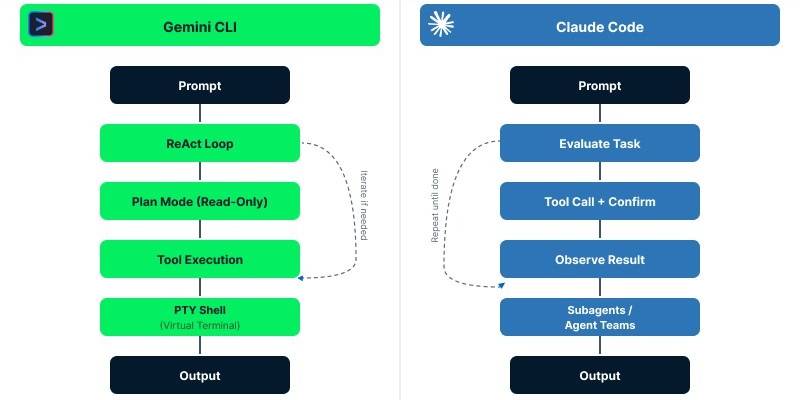 So sánh Gemini CLI và Claude Code: Nên sử dụng CLI hỗ trợ lập trình bằng AI nào?
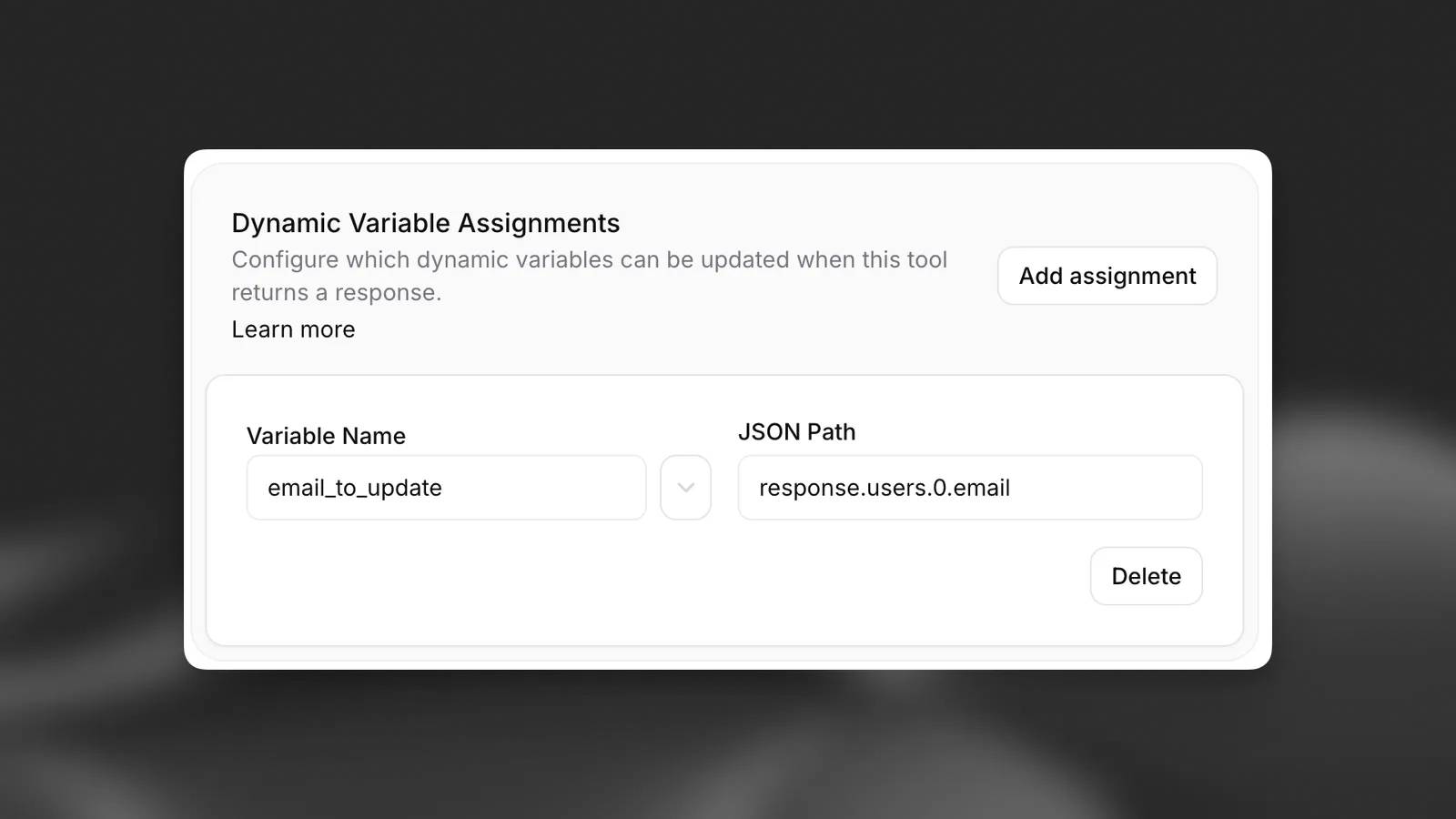 Các biến động (Dynamic variable) trong ElevenAgents
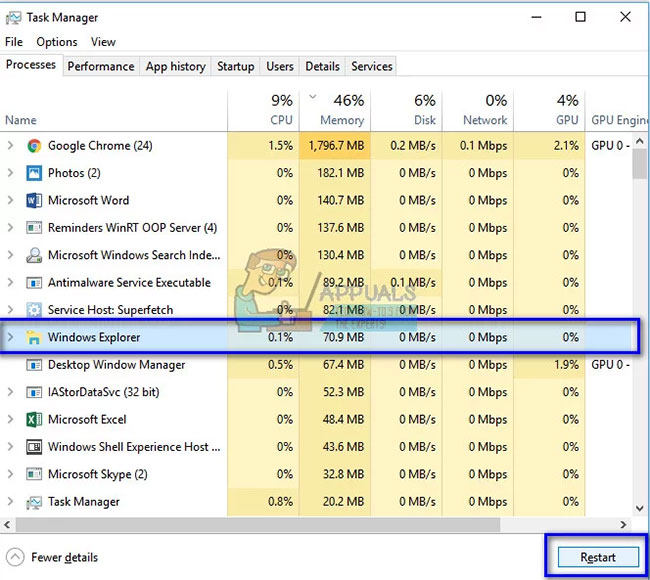 Cách khắc phục sự cố click chuột trái trên Windows
 Cách sử dụng Adobe trong Claude tạo thiết kế
 Hướng dẫn kết nối Google Docs với Claude phân tích tài liệu
 Hướng dẫn ngắt kết nối ứng dụng trên Canva AI
 10 nền tảng Agentic AI tốt nhất cho doanh nghiệp năm 2026
 Canvas trong Google Search: Viết, lập kế hoạch và lập trình ứng dụng
 GitHub Copilot vs Claude Code: So sánh tính năng, giá và khả năng AI coding
 Các workflow và giới hạn thực tế trong OpenAI Decisions API
 6 trình duyệt có những tính năng AI tốt nhất
 TOP những trợ lý email AI tốt nhất
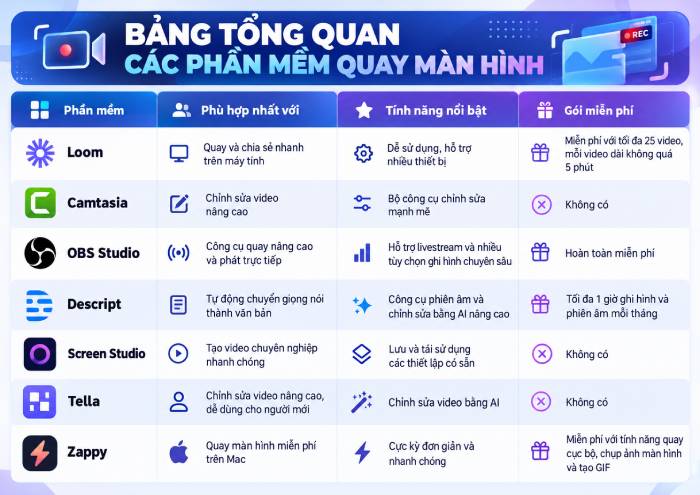 TOP phần mềm quay màn hình có hỗ trợ AI
 Cách cá nhân hóa hành vi agent trong ElevenAgents
 Hướng dẫn tìm lịch sử trò chuyện với Canva AI
 Hướng dẫn dùng HyperFrames & ChatGPT tạo kịch bản làm video từ dữ liệu tải lên
 Hướng dẫn cài đặt và sử dụng n8n trên Windows 11
 Cách lập trình chuyên nghiệp hơn, dễ dàng hơn với tính năng Tệp trên Grok
 Công thức tính diện tích hình Elip
 Hướng dẫn ngắt kết nối ứng dụng trên ChatGPT
 Hướng dẫn tạo đoạn hội thoại cho topic trên Twee
 Bức tranh tổng quan về hỗ trợ khách hàng tích hợp AI
 Cách sửa lỗi There Are Currently No Power Options Available Windows
 Hướng dẫn 8 cách mở bàn phím ảo trên Windows 10
 Hướng dẫn tạo flashcard trên Canva AI
 Claude Code thực sự có giá bao nhiêu?