Thông qua các công cụ tạo hình ảnh AI như ChatGPT, việc tạo ảnh học từ vựng đã trở nên đơn giản hơn bao giờ hết. Chỉ cần nhập một câu lệnh ngắn gọn, người dùng có thể tạo ngay những hình ảnh sinh động, hấp dẫn và phù hợp với nội dung từ vựng cần học. Thay vì học từ theo cách truyền thống, người học có thể ghi nhớ từ mới thông qua các đồ vật hay tình huống trực quan. Dưới đây là hướng dẫn tạo ảnh học từ vựng bằng ChatGPT.
Hướng dẫn tạo ảnh học từ vựng trên ChatGPT
Bước 1:
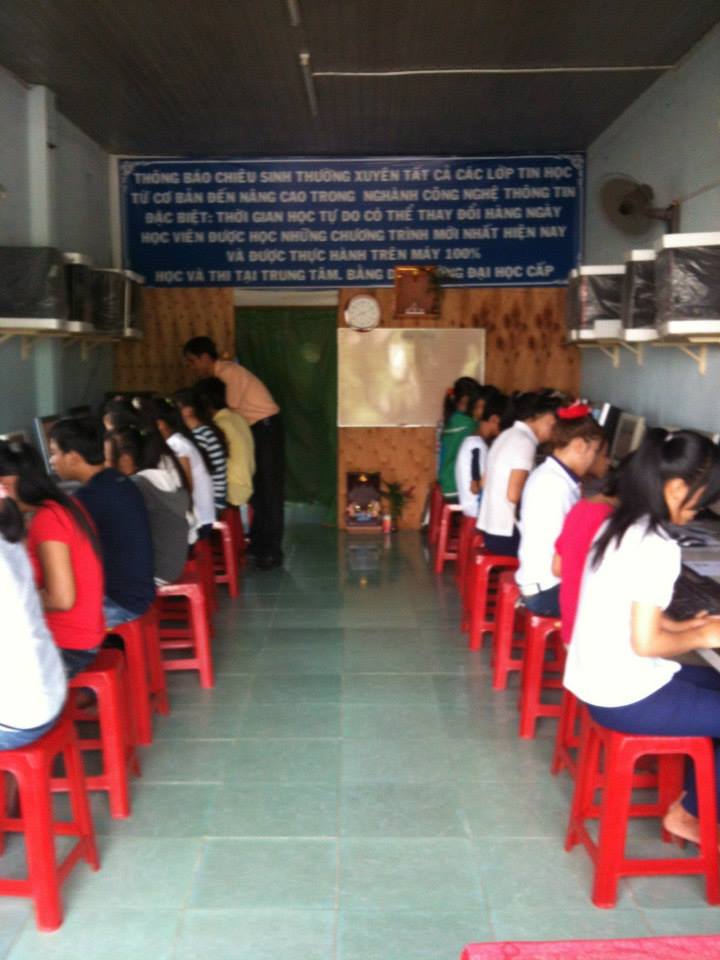
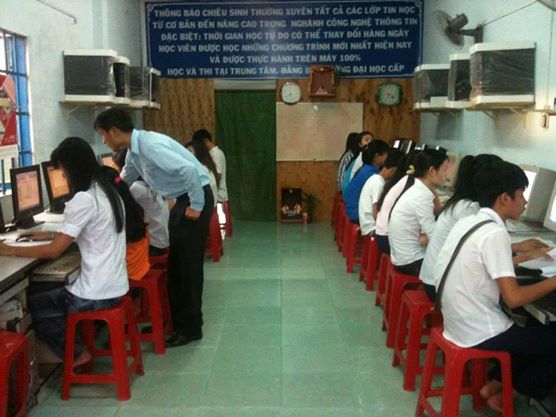
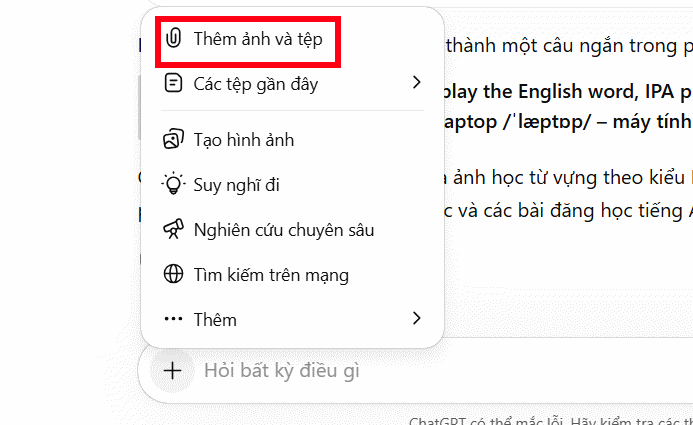
Đầu tiên bạn tải hình ảnh chứa các đồ vật hoặc sự kiện muốn triển khai để học từ vựng. Nhấn vào Thêm ảnh và tệp trong menu hiển thị.
Bước 2:
Tiếp đến chúng ta nhập lệnh dưới đây để tạo hình ảnh học từ vựng trên ChatGPT.
Analyze this picture and create a vocabulary-learning version for adult beginner English learners (CEFR A1–A2).

Label the most important objects, people, actions, and places using simple, high-frequency English vocabulary that learners can use in everyday life.

Requirements:

* Add clear white hand-drawn outlines around key objects and people.

* Use arrows pointing clearly to each item.

* Add large handwritten-style labels that are easy to read.

* Prioritize practical vocabulary used in daily conversations.

* Avoid rare, technical, or advanced words.

* Keep the design clean, warm, friendly, and uncluttered.

* Leave enough empty space so labels do not overlap.

Enhance learning value by including:

* The English word.

* A simple phrase or collocation (1–3 words) when appropriate.

* Highlight common actions people are doing in the image.

* Group related vocabulary visually when possible.

* Focus on the 10–20 most useful vocabulary items only.

* Use consistent handwriting-style typography throughout.

* Make labels highly visible against the background.

Learning-focused design:

* Create the feeling of a modern English-learning workbook.

* Use subtle educational annotations rather than decorative elements.

* Emphasize real-world communication vocabulary.

* Make the image suitable for adult self-study, classroom teaching, worksheets, and social media learning posts.

Output should look like a professional visual vocabulary lesson created by an experienced English teacher, helping learners remember vocabulary through context and visual association.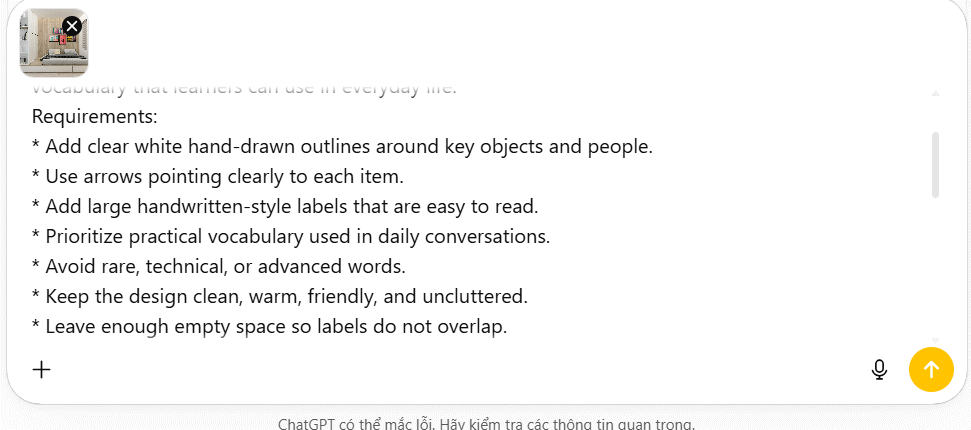
Bước 3:
Kết quả chúng ta có được hình ảnh học từ vựng kèm theo đó là những nội dung triển khai thêm từ từ vựng, các hành động đi kèm từ vựng hiện có trong ảnh.
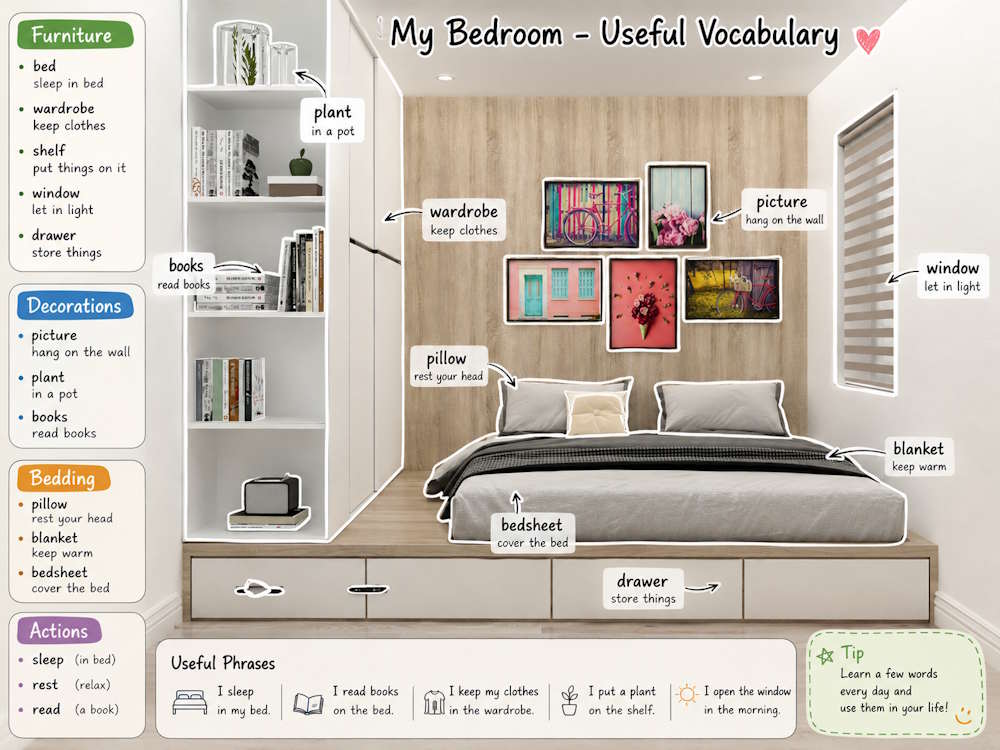
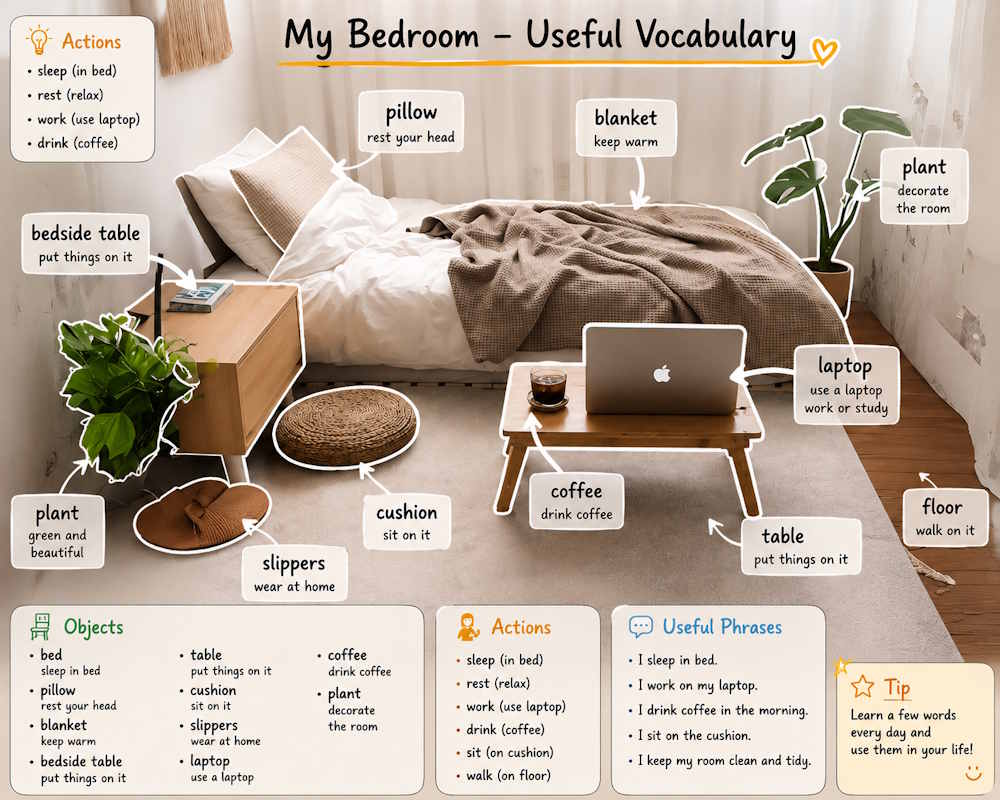
Để tạo ảnh có thêm phần phiên âm trong ảnh, bạn nhập prompt dưới đây.
Transform this image into a professional visual vocabulary lesson for adult English beginners (CEFR A1–A2).

Label only 8–12 clearly visible objects, places, and actions using high-frequency everyday English.

For each label, show:

English word

IPA pronunciation

Vietnamese meaning

Short useful phrase

Requirements:

• Draw a white outline around each labeled object.

• Place labels outside the object whenever possible.

• Use one arrow per object.

• Every arrow must point exactly to the correct object and touch its boundary.

• Never point to empty space, nearby objects, shadows, reflections, or backgrounds.

• If an object is unclear, do not label it.

• Use accurate IPA pronunciation and natural Vietnamese translations with correct accents.

• Avoid spelling mistakes, incorrect labels, broken text, or mistranslations.

• Keep the layout clean, warm, uncluttered, and easy to read.

Add:

• Simple categories: Objects, Actions, Places, Daily Life.

• 3–5 short example sentences.

• A modern workbook-style educational design.

Prioritize perfect object-label alignment and text accuracy over the number of vocabulary items.

The final image should look like a premium English-learning workbook page that helps learners remember vocabulary through visual context and real-life communication.

Every arrow must point exactly to the correct object and touch its boundary. If an object is unclear, do not label it.
Kết quả chúng ta có được ảnh học từ vựng kèm phiên âm trong hình ảnh
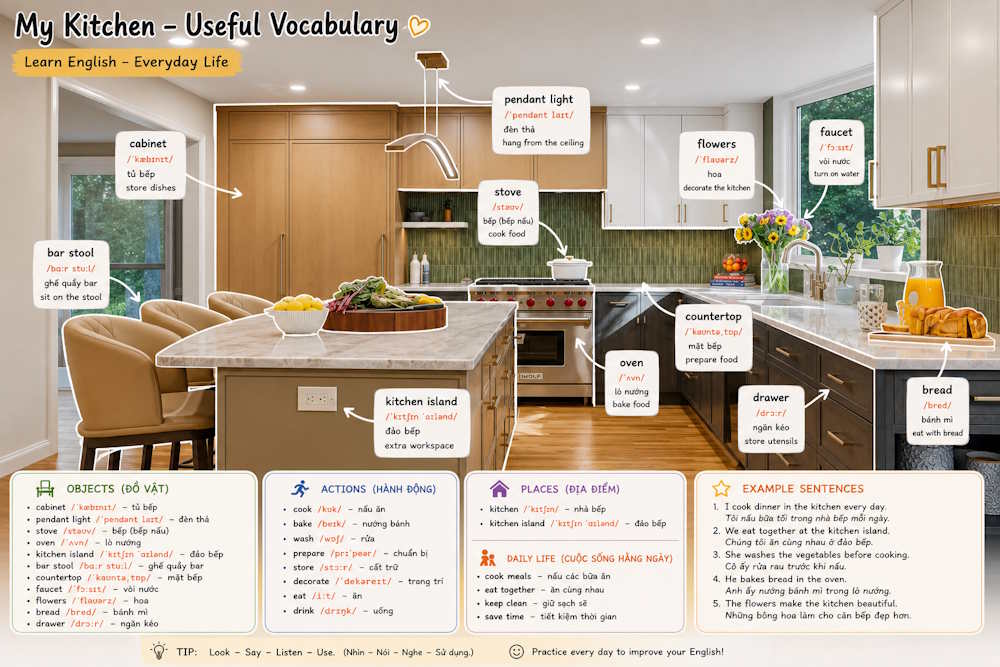
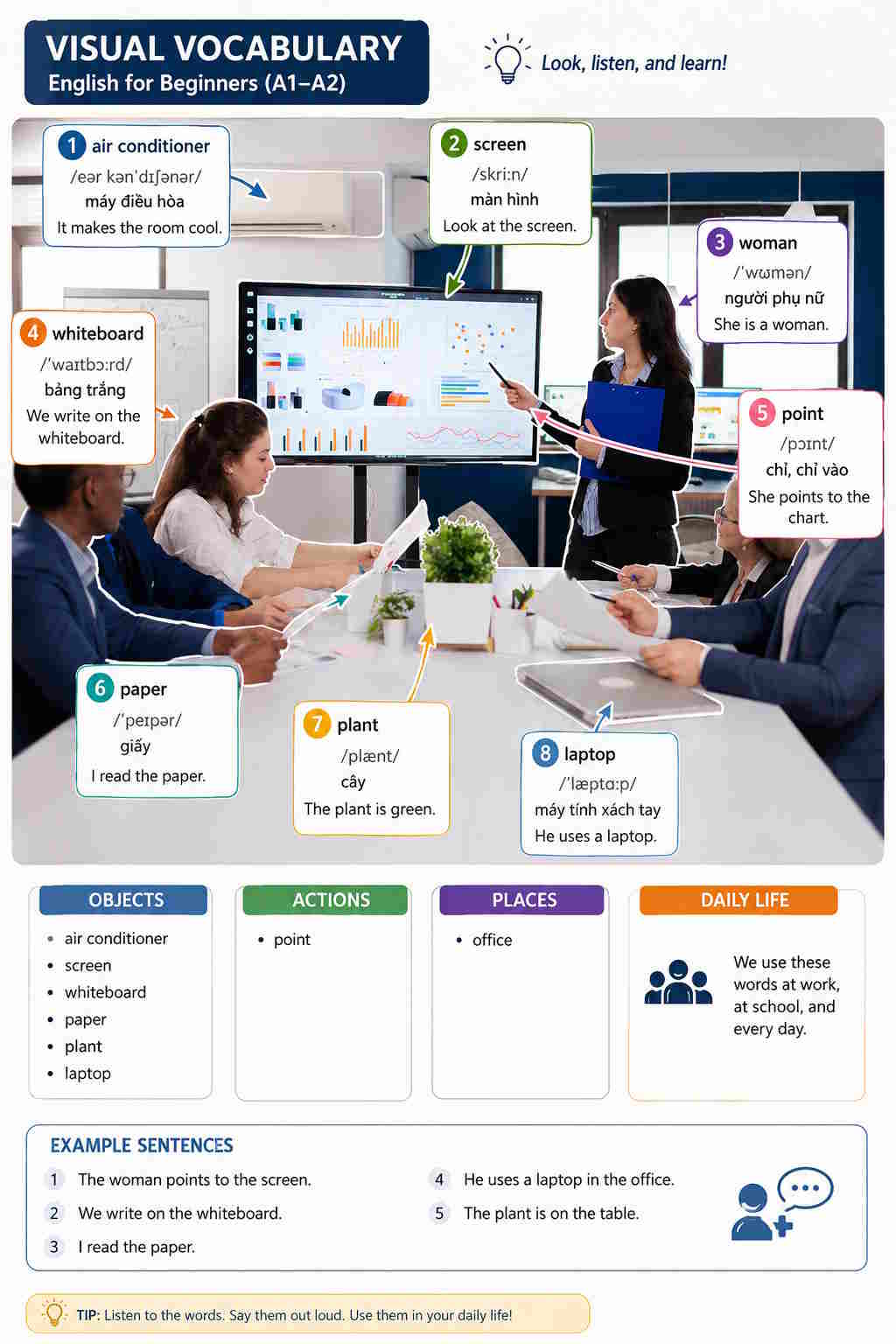
 Kiến trúc CSS hiện đại
 TOP công cụ tạo giọng nói AI tốt nhất
 Cách sử dụng ChatGPT API: Hướng dẫn đầy đủ từ A-Z
 Hướng dẫn ghép ảnh trên Google Flow
 Xây dựng các thành phần UI với AI
 OmniVoice Studio: Giải pháp Voice AI mã nguồn mở đáng trải nghiệm
 Các tính năng tương tác và API trong phát triển web với AI
 Triển khai và SEO trong phát triển web với AI
 Xây dựng một website hoàn chỉnh với AI
 Kiểm tra tính chính xác của Semantic HTML do AI tạo
 TOP công cụ AI hỗ trợ Microsoft Word tốt nhất
 AI đóng vai trò trợ thủ đắc lực cho phát triển Frontend
 Hướng dẫn dùng Wayground AI để tạo bài kiểm tra
 Hướng dẫn tạo nhánh chat trong ChatGPT
 Hướng dẫn tạo kịch bản từ video triệu view bằng TikViral AI
 Hướng dẫn tạo trò chơi đoán từ trên Educaplay
 Mẹo nhập Context hiệu quả trong Cursor
 Cách thiết lập các trang web yêu thích trong Google AI Overviews và AI Mode