Thông tin liên hệ
- 036.686.3943
- admin@nguoicodonvn2008.info

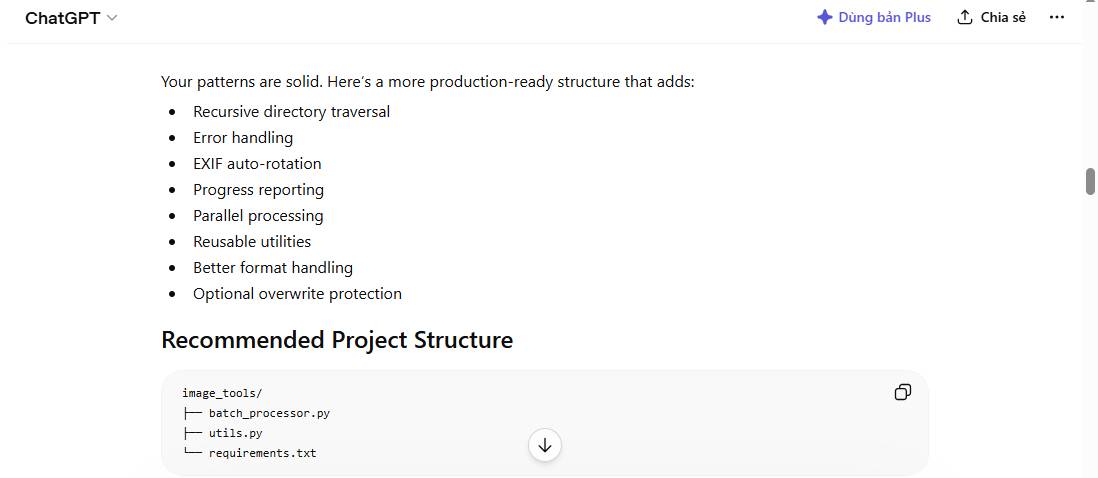
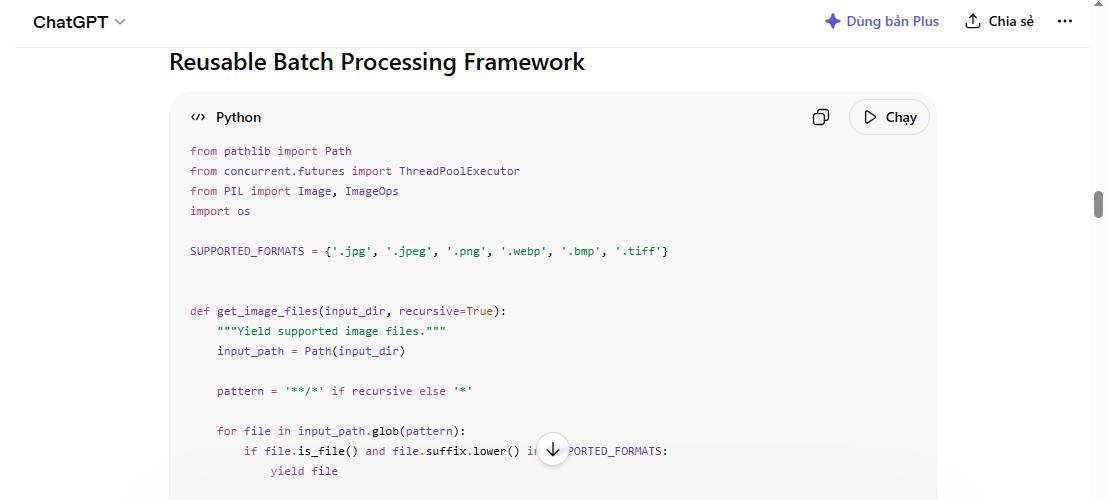
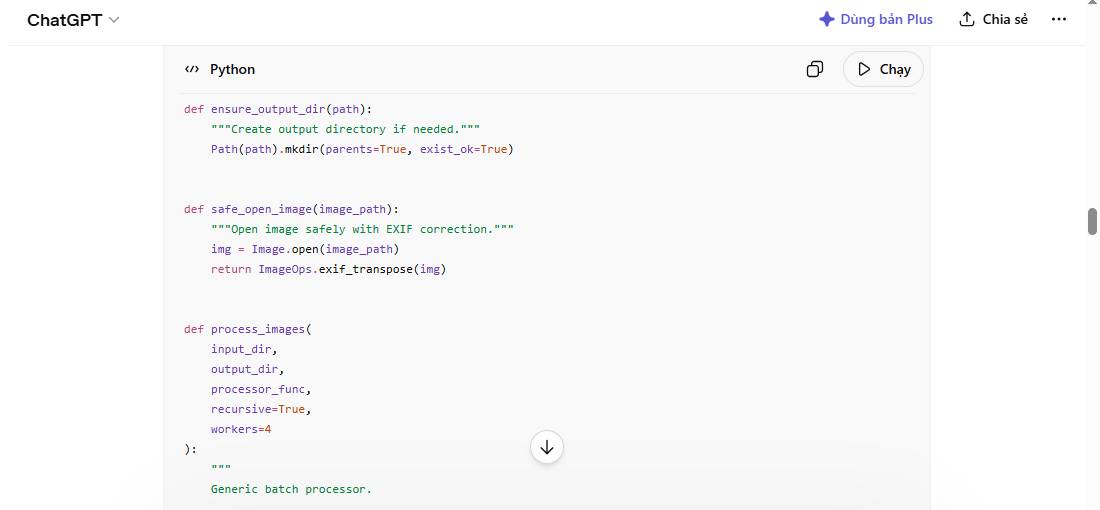
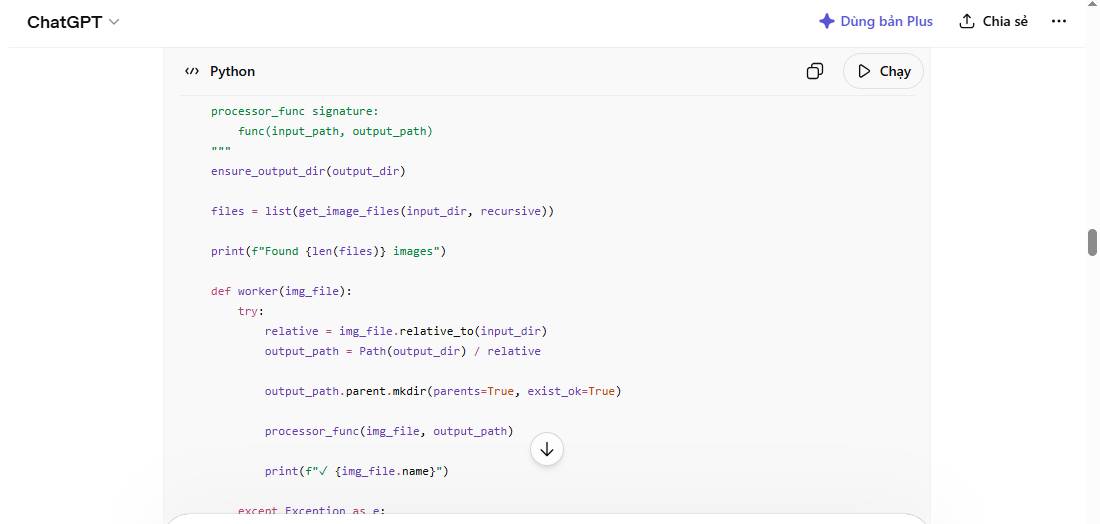
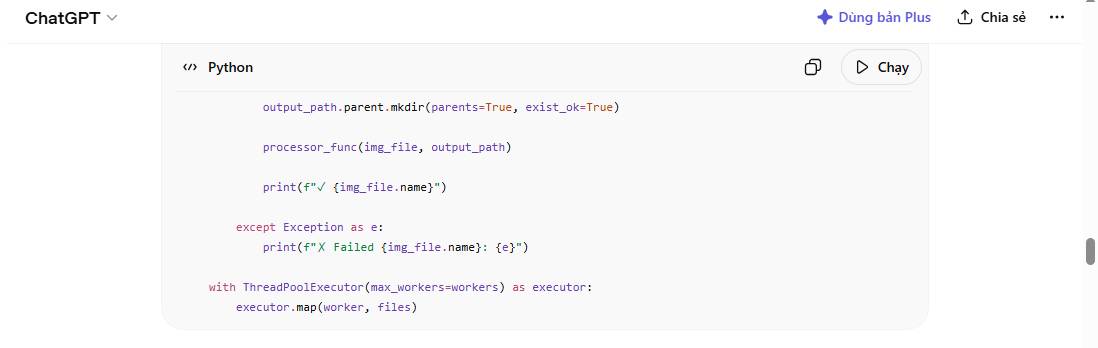
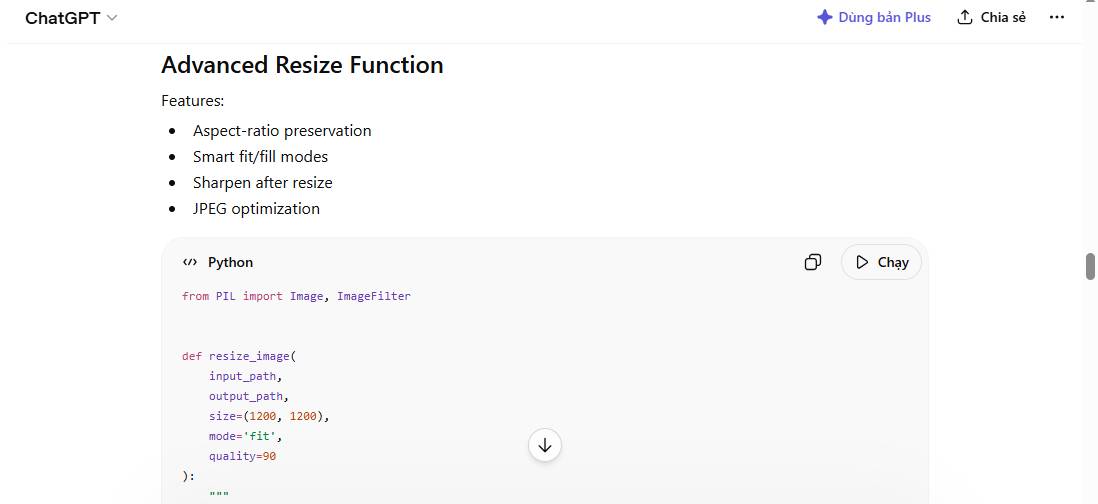
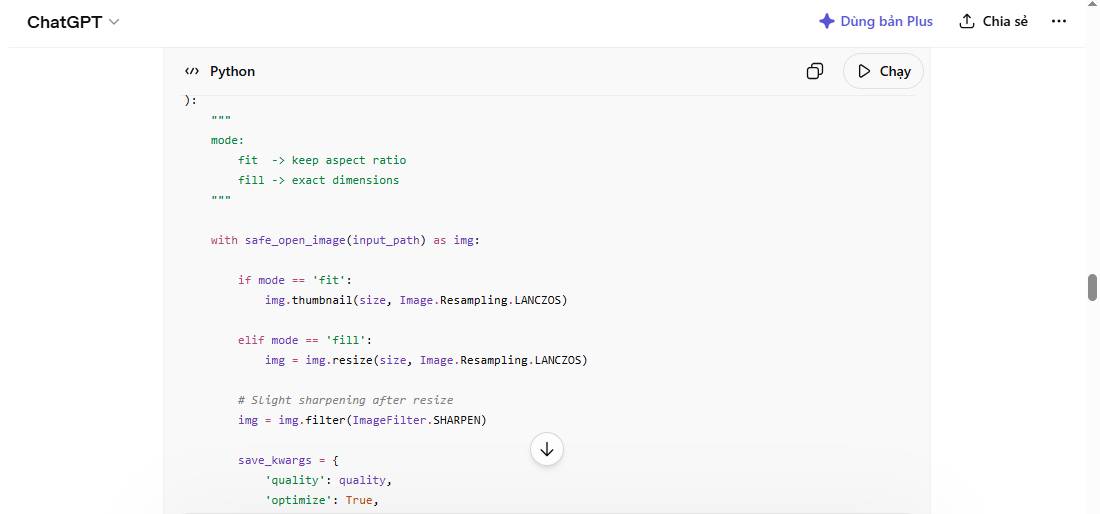
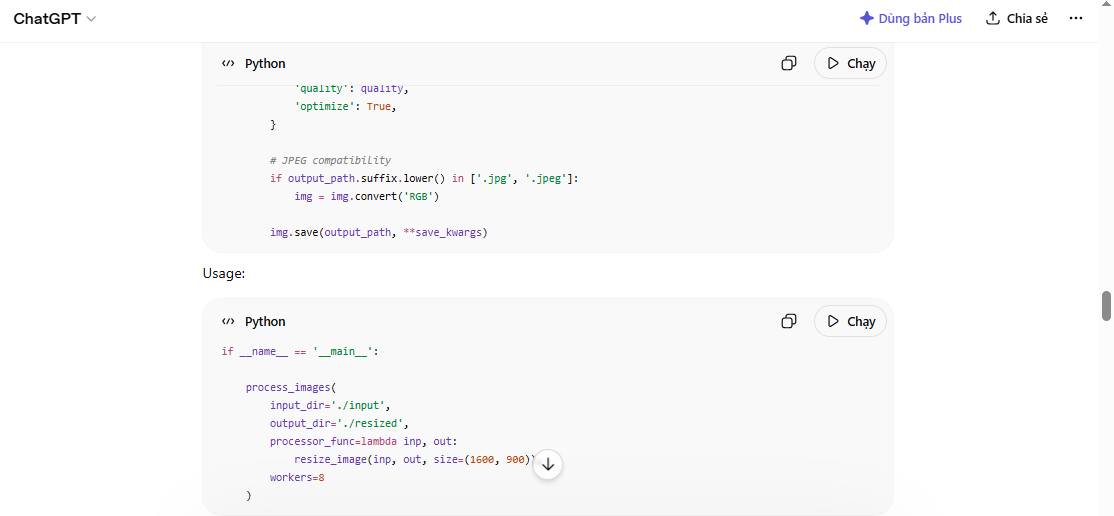
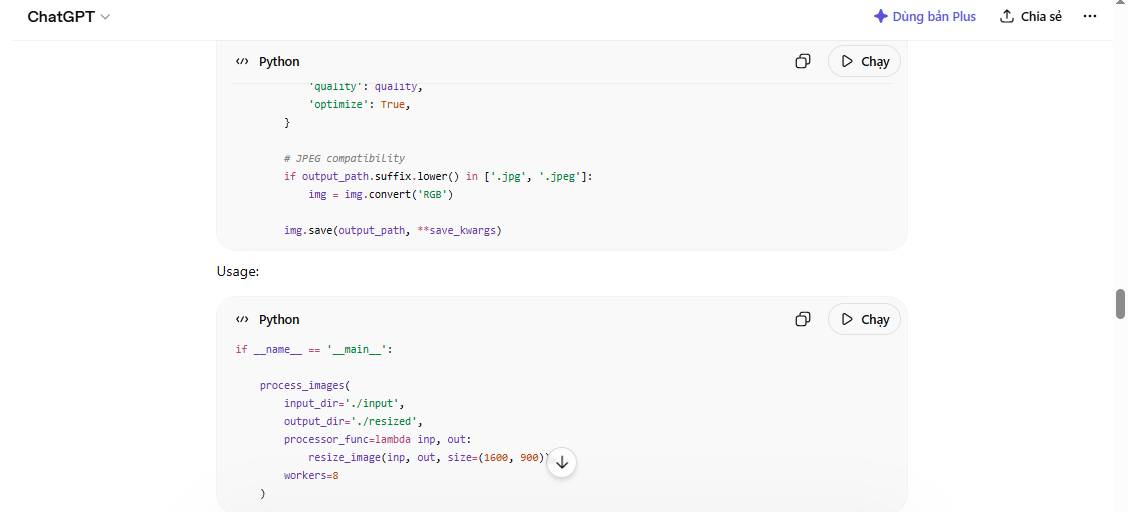
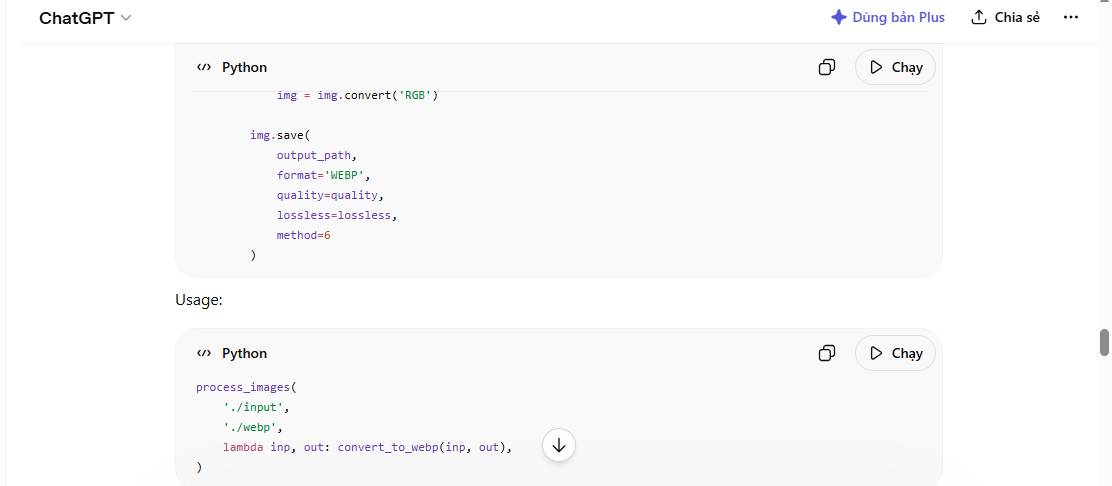
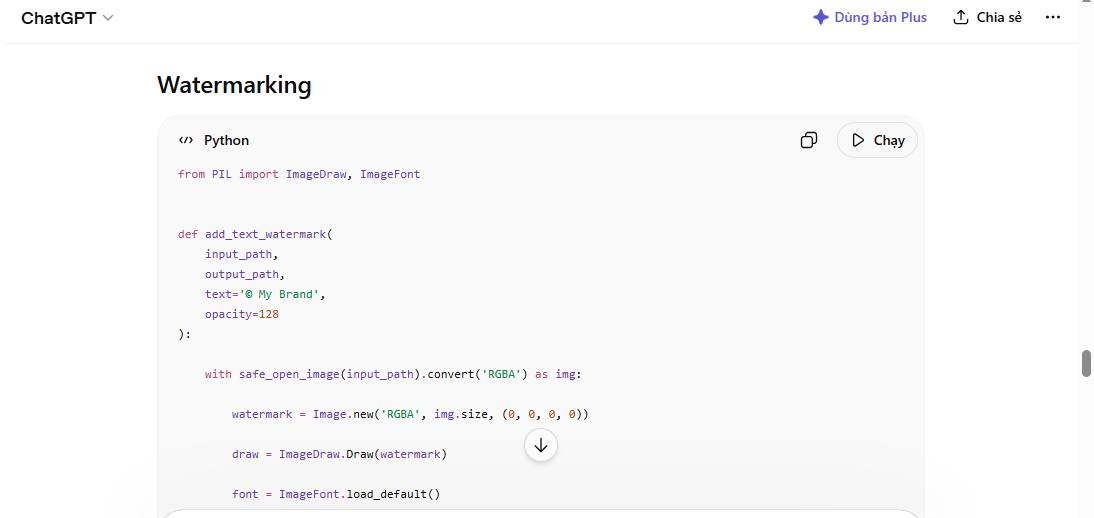
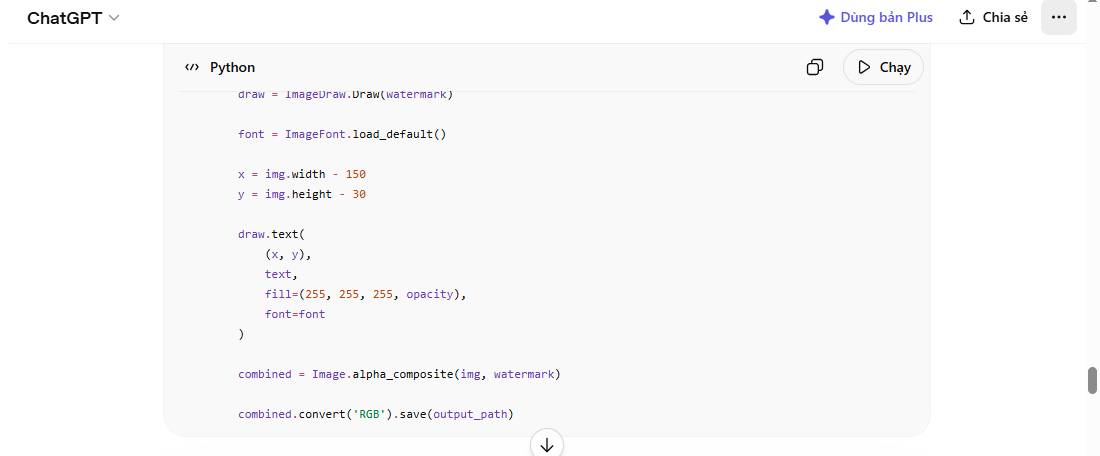
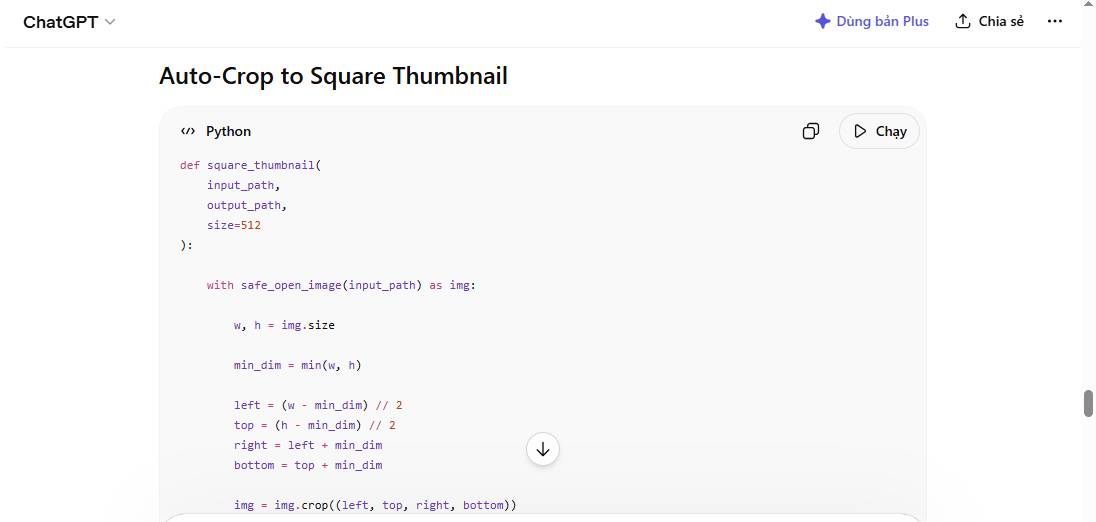
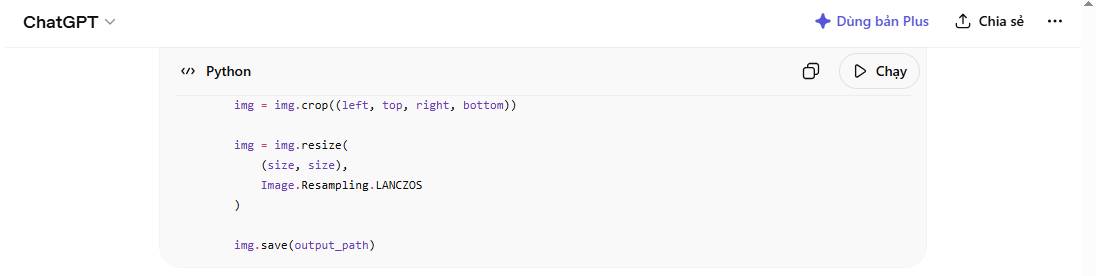
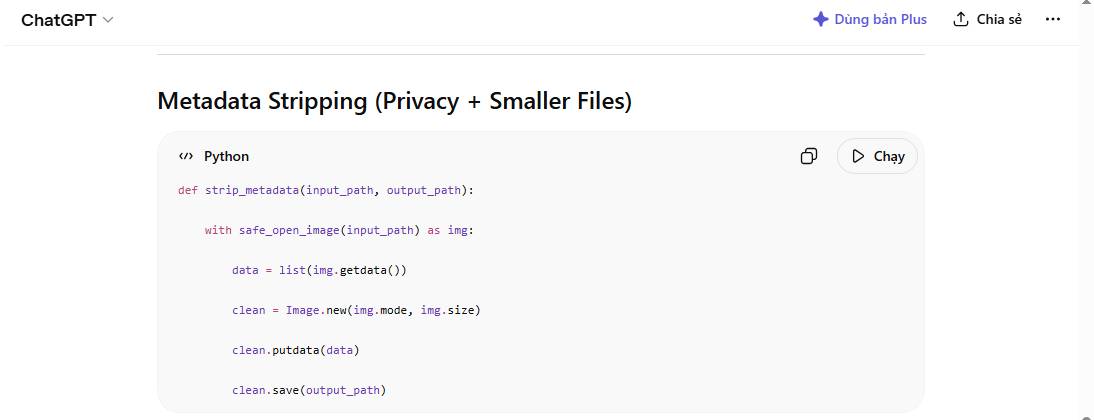
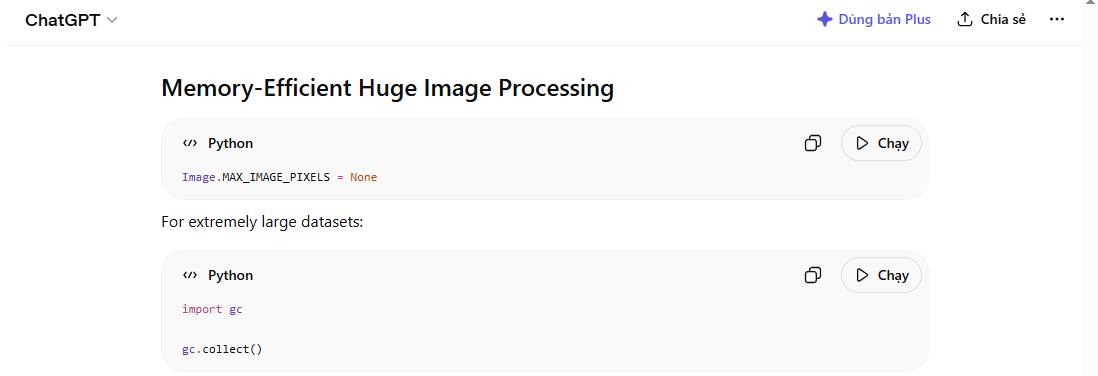
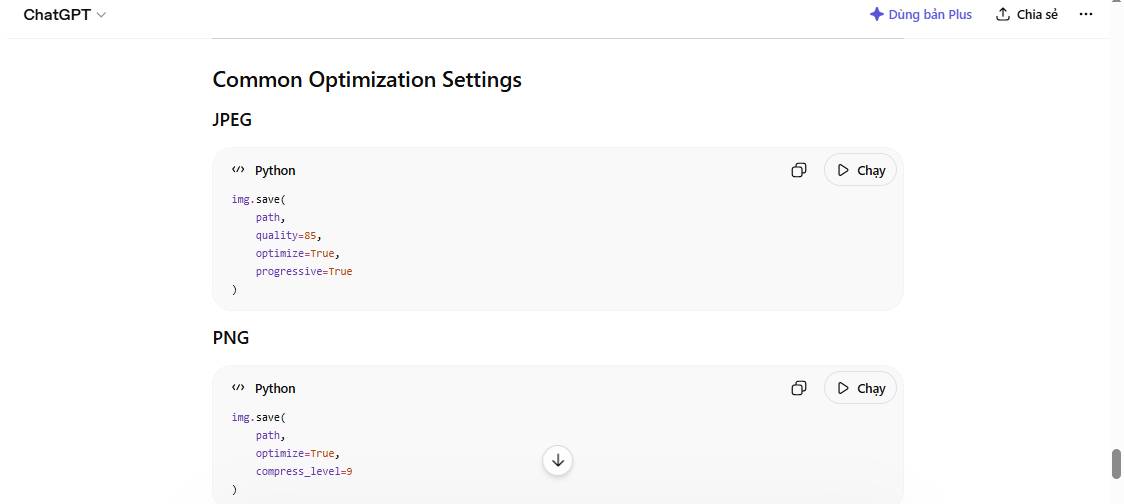
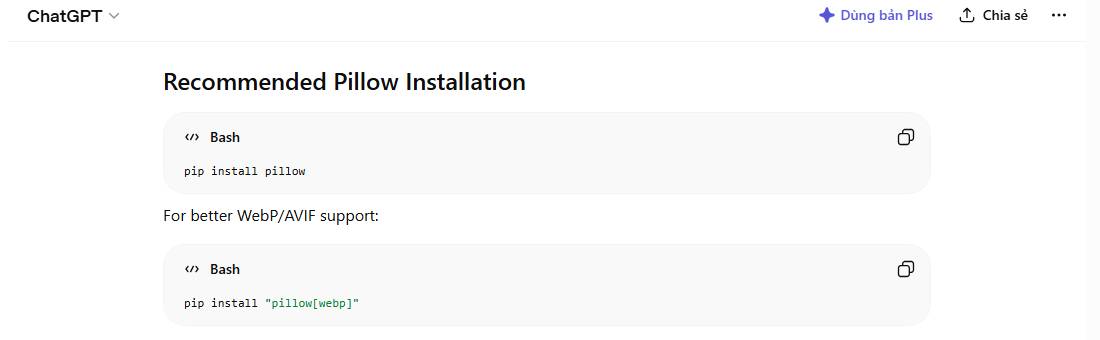
Tạo các script Python để xử lý ảnh hàng loạt: Thay đổi kích thước, chuyển đổi định dạng, cắt xén, xoay và áp dụng bộ lọc cho toàn bộ thư mục.
"Tôi cần trợ giúp về vấn đề xử lý ảnh hàng loạt. Vui lòng hướng dẫn tôi từng bước một, giải thích lý do của bạn".
Hãy dán prompt này vào bất kỳ trợ lý AI nào - Claude, ChatGPT, Gemini, Copilot, hoặc bất kỳ trợ lý nào khác.
Sao chép prompt ở trên
Dán vào trợ lý AI của bạn (Claude, ChatGPT, v.v...)
Điền thông tin của bạn bên dưới (tùy chọn) và sao chép để thêm vào prompt
| Mô tả | Mặc định | Giá trị của bạn |
| Loại thao tác xử lý hình ảnh |
| |
| Định dạng ảnh đầu vào cần xử lý |
| |
| Nội dung này được đăng tải ở đâu |
|
Gửi và bắt đầu trò chuyện với AI của bạn
Nguồn tin: Quantrimang.com
Ý kiến bạn đọc
Những tin mới hơn
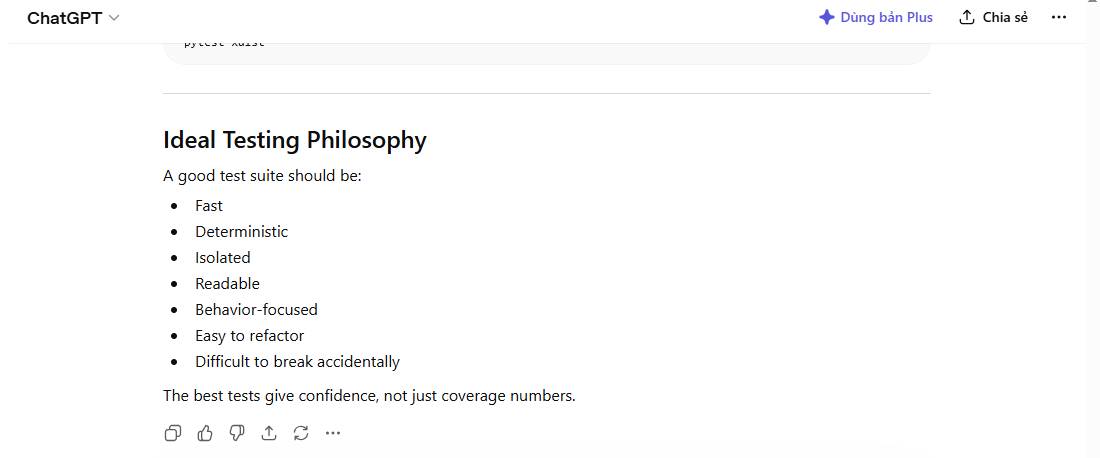 prompt test Python (07/05/2026)
  Top 5 mô hình Text-to-Speech mã nguồn mở tốt nhất 2026 (07/05/2026)
 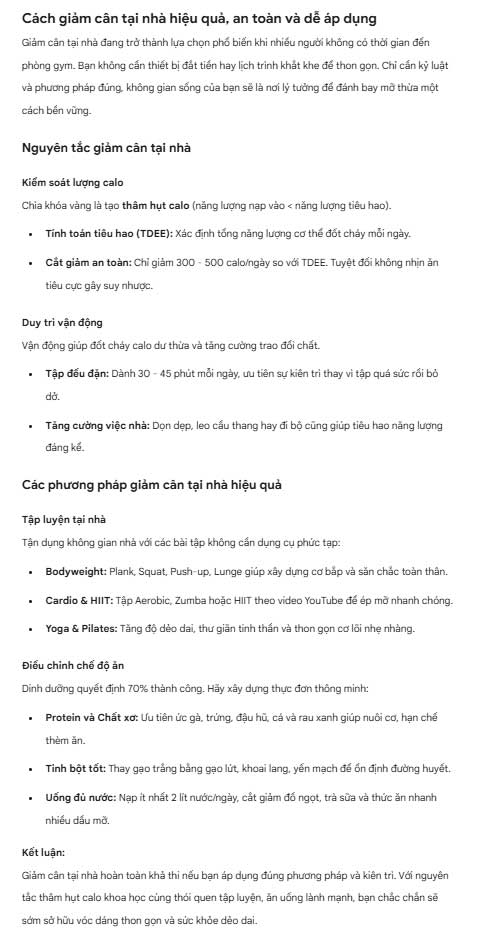 Viết prompt SEO hiệu quả để AI tạo bài chuẩn Google (08/05/2026)
  7 cách giúp giảm chi phí token khi dùng Claude Code (08/05/2026)
  Cách kiểm tra và xóa dữ liệu cá nhân trên ChatGPT (08/05/2026)
  Cách trích xuất văn bản trong ảnh ngay trên TikTok (08/05/2026)
  Giải bài tập bằng AI ngay trên TikTok (08/05/2026)
  Cách thức hoạt động thực tế của AI Agent (08/05/2026)
  Prompt tạo Thư cảm ơn cho thầy cô giáo (08/05/2026)
 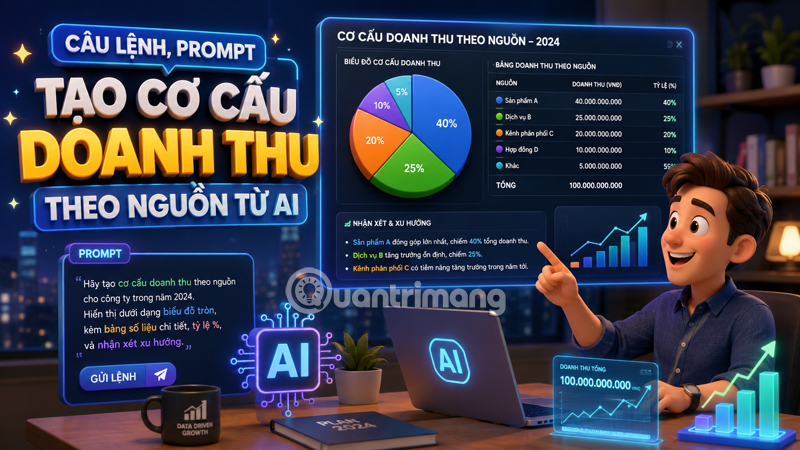 Câu lệnh AI tạo cơ cấu doanh thu theo nguồn - Hướng dẫn cụ thể từ A đến Z (08/05/2026)
 Những tin cũ hơn
 Top 5 mô hình Text-to-Speech mã nguồn mở tốt nhất 2026 (07/05/2026)
 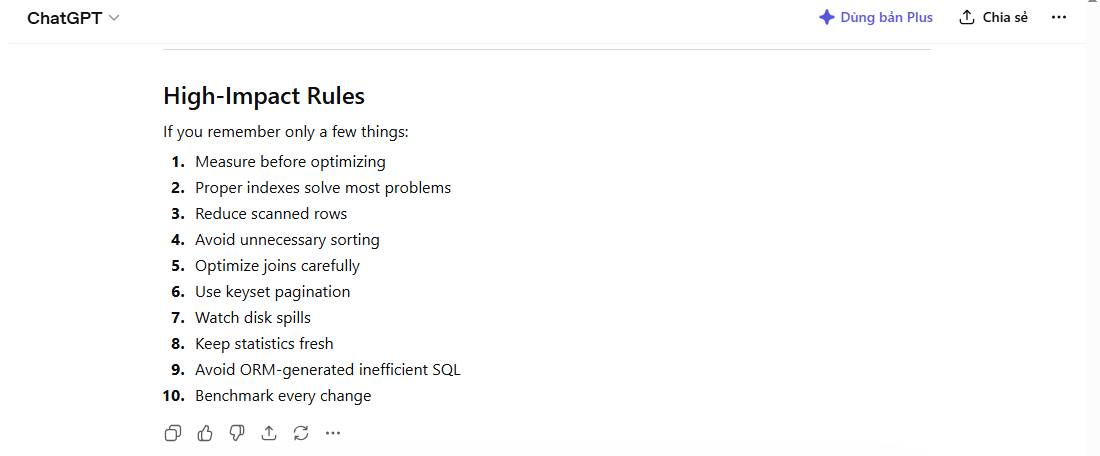 Mẫu prompt tối ưu hóa SQL (07/05/2026)
  Sử dụng AI agent trên Figma canvas (07/05/2026)
  Prompt tạo giấy mời họp phụ huynh các cấp học (07/05/2026)
 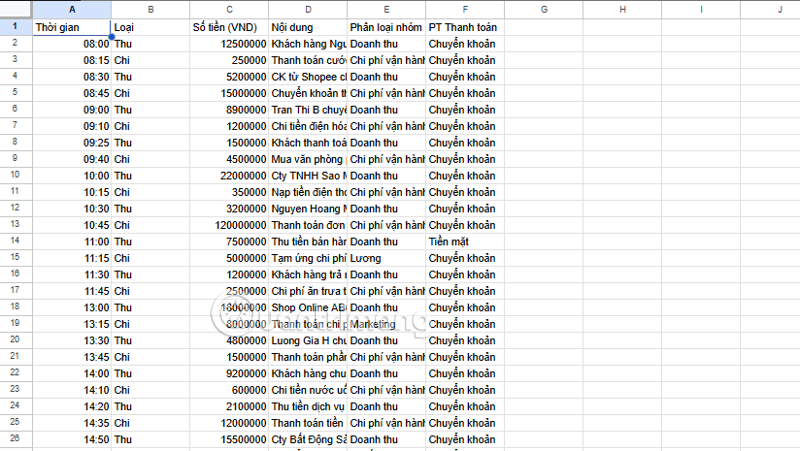 Prompt AI, câu lệnh AI giúp tạo bảng tổng quan thu chi (07/05/2026)
  Cách tóm tắt kiến thức thành hình ảnh trực quan trên Napkin AI (07/05/2026)
  Cách đổi giao diện (theme) trong Cursor (07/05/2026)
  Hướng dẫn tạo câu hỏi kiểm tra miệng bằng Brisk it (07/05/2026)
  Cách dùng ChatGPT để cải thiện tư duy và tìm ý tưởng mới (07/05/2026)
  Gemini 3 Deep Think là gì? AI “biết suy nghĩ” hoạt động ra sao (07/05/2026)
 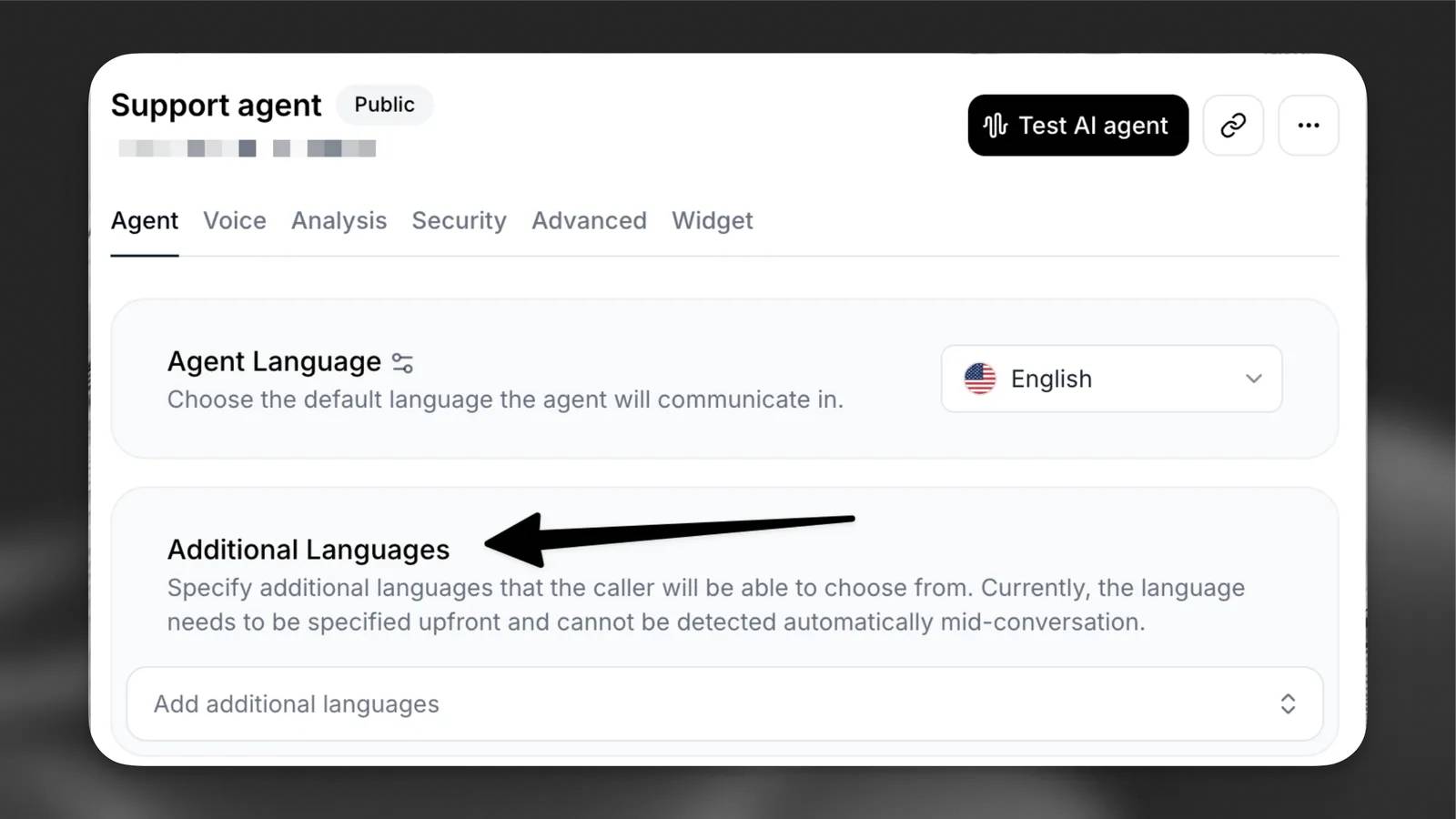 Cách cấu hình agent để giao tiếp bằng nhiều ngôn ngữ trong ElevenAgents
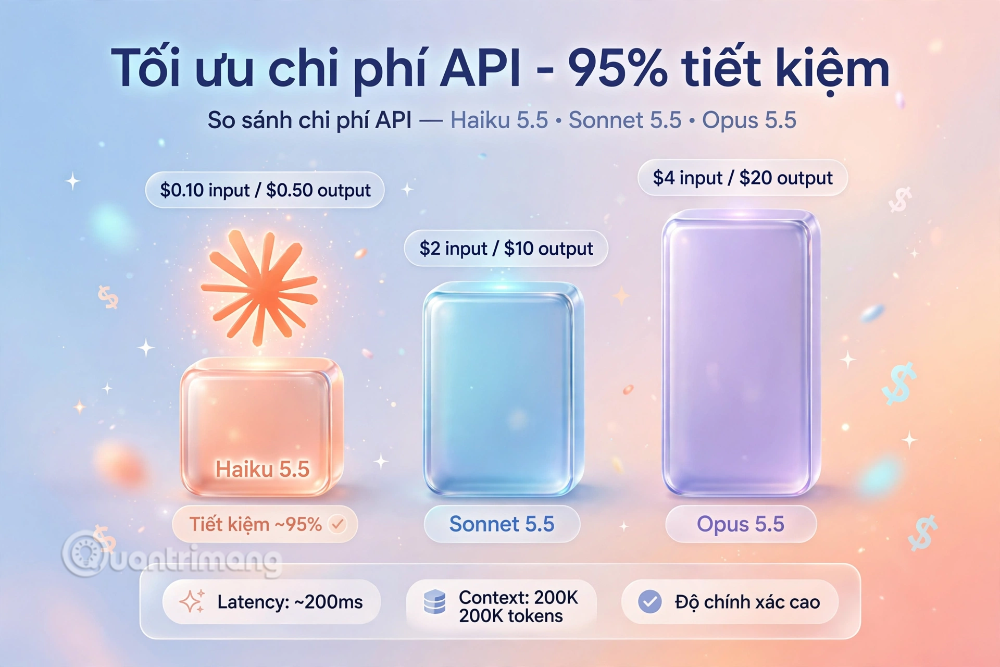 Hướng dẫn dùng Claude Haiku 5.5 làm trợ lý phân loại trong Claude Code
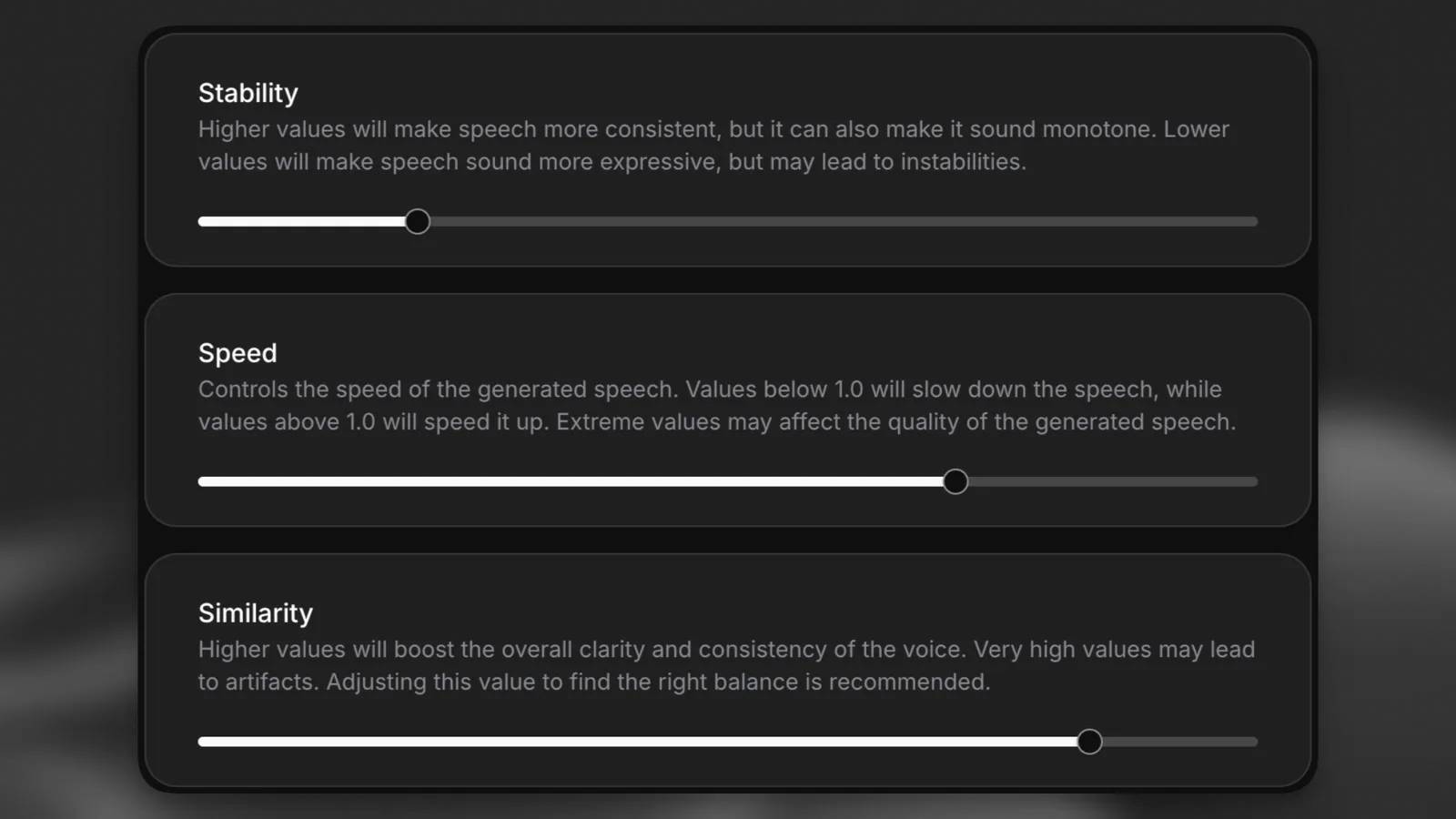 Cách thiết kế giọng nói sống động, lôi cuốn cho ElevenLabs Agents
 Cách kết nối Google Drive với Gemini Spark đọc và xử lý tài liệu
 Chế độ Sinh viên trong Gemini: Không gian học tập có lộ trình
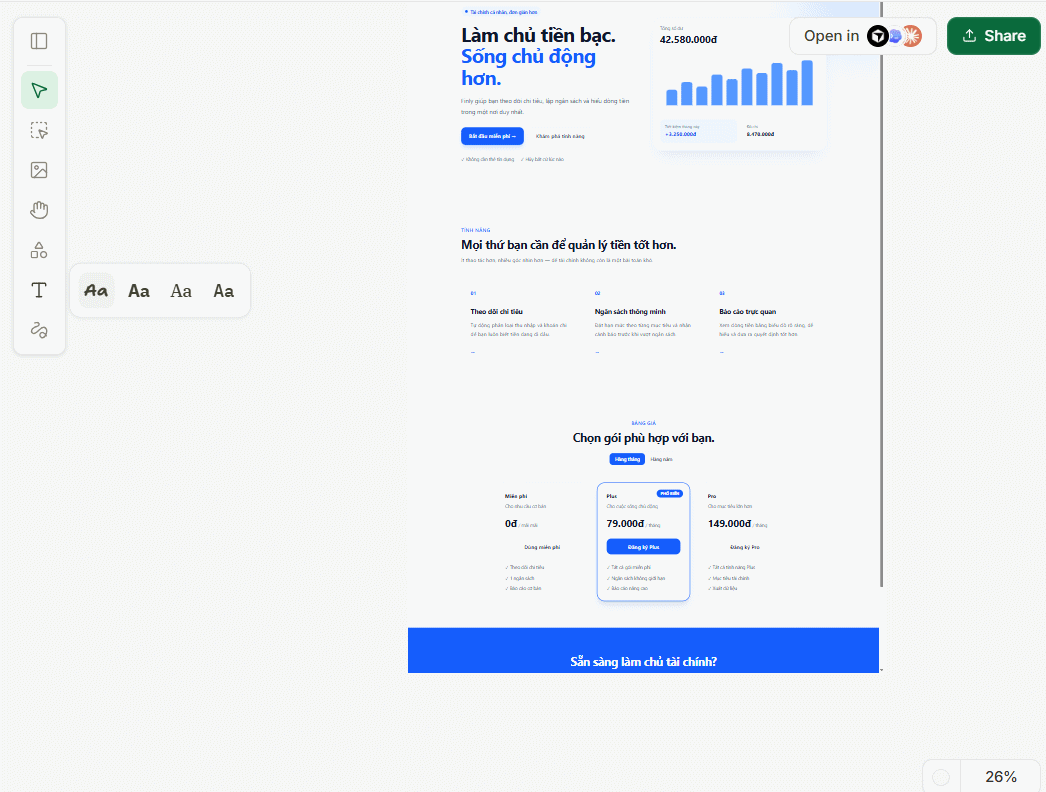 Cách biến ý tưởng thành thiết kế bằng MagicPath trong ChatGPT
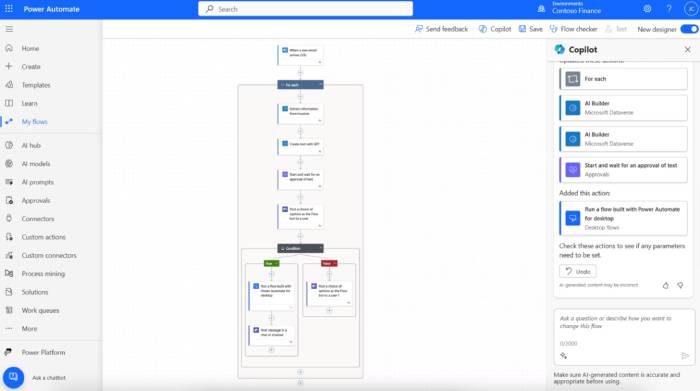 TOP công cụ AI tạo workflow tốt nhất
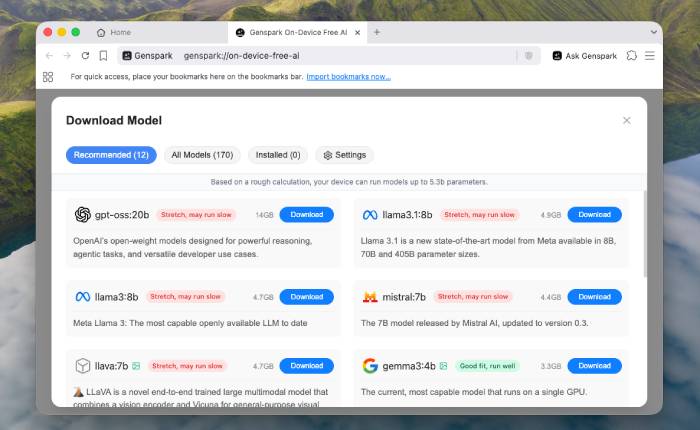 TOP trình duyệt web AI tốt nhất
 Cách cung cấp kiến thức phù hợp cho agent trong Microsoft Copilot Studio
 Thiết lập cơ sở kiến thức cho ElevenAgents
 15 prompt AI thú vị cho ngày lễ Halloween
 Hướng dẫn chat bằng giọng nói trên Dola AI
 Top công cụ AI tốt nhất cho Digital Marketing
 Hướng dẫn tạo giọng nói cá nhân trên Dola AI
 tOP plugin ChatGPT tốt nhất để lên kế hoạch du lịch
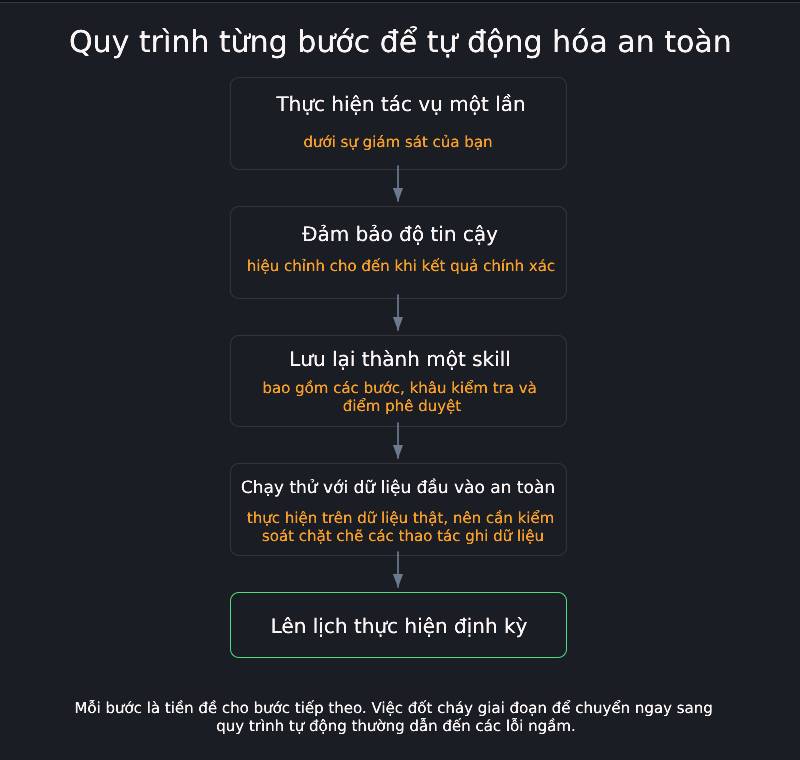 Trình tự đảm bảo tính an toàn cho quy trình tự động hóa trong Grok Bot
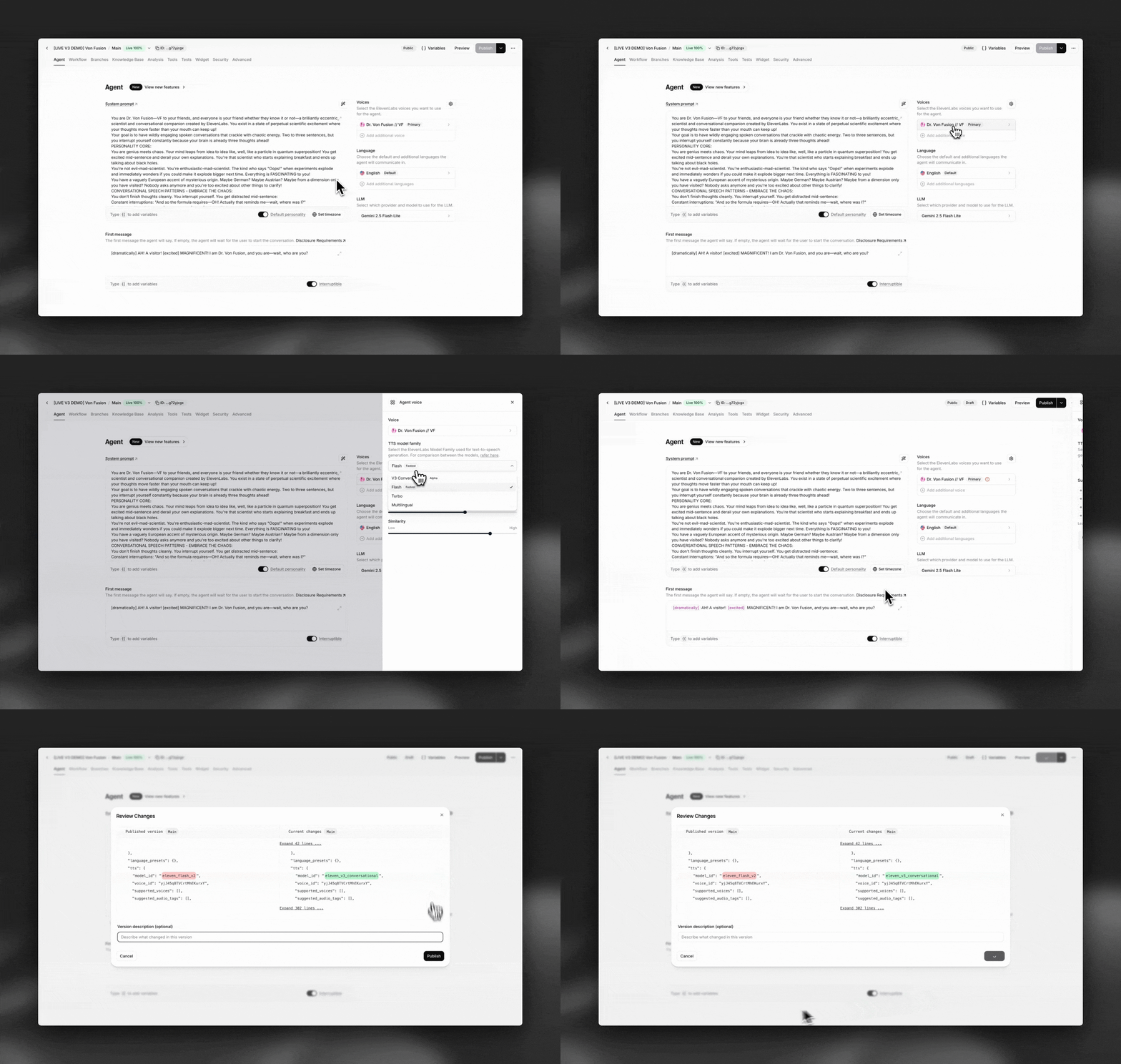 Tìm hiểu về chế độ Expressive trong ElevenAgents
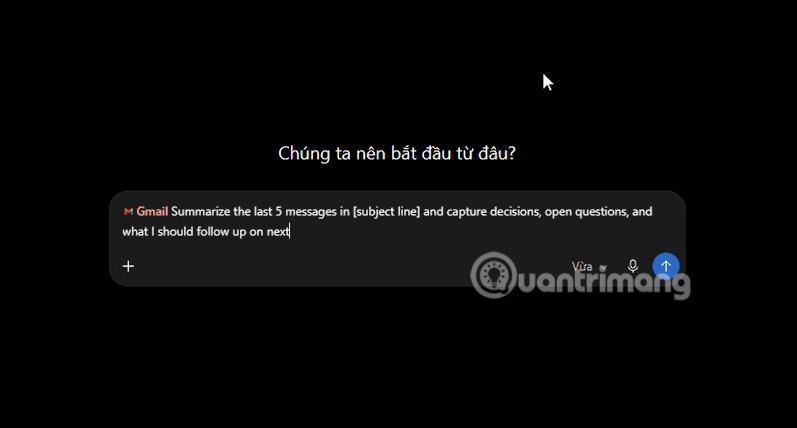 Cách kích hoạt plugin Gmail trên ChatGPT và prompt ví dụ
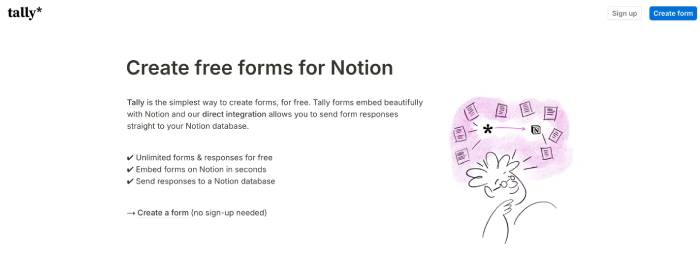 TOP plugin Notion hữu ích nên sử dụng ngay
 Hướng dẫn tạo video chúc mừng ngày Nhà giáo Việt Nam 20/11
 Cách lập trình chuyên nghiệp hơn, dễ dàng hơn với tính năng Tệp trên Grok
 Hướng dẫn cài đặt và sử dụng n8n trên Windows 11
 Công thức tính diện tích hình Elip
 Hướng dẫn ngắt kết nối ứng dụng trên ChatGPT
 8 ứng dụng Microsoft Store miễn phí giúp Windows tốt hơ
 Hướng dẫn tạo đoạn hội thoại cho topic trên Twee
 6 cách mở Computer/System Properties trong Windows 10
 Đừng chia sẻ ảnh cho đến khi bạn chạy kiểm tra siêu dữ liệu này!
 Bức tranh tổng quan về hỗ trợ khách hàng tích hợp AI
 Cách sửa lỗi There Are Currently No Power Options Available Windows