Thông tin liên hệ
- 036.686.3943
- admin@nguoicodonvn2008.info

Bài hướng dẫn này trình bày cách xây dựng một workflow LLM hoàn chỉnh theo phong cách production, sử dụng Promptflow trong môi trường Colab. Quá trình bắt đầu từ việc thiết lập một backend keyring ổn định nhằm tránh các vấn đề phụ thuộc hệ điều hành, đồng thời cấu hình kết nối với OpenAI một cách an toàn.
Tiếp đó, hệ thống thiết lập một workspace rõ ràng và định nghĩa một file Prompty đóng vai trò là thành phần LLM cốt lõi trong pipeline. Trên nền tảng này, một flow dạng class được xây dựng, kết hợp giữa xử lý tiền định (deterministic preprocessing) và khả năng suy luận của LLM. Cách tiếp cận này cho phép chèn các “gợi ý” đã được tính toán sẵn vào phản hồi của mô hình.
Hệ thống cũng được kích hoạt tính năng tracing để theo dõi chi tiết từng bước thực thi. Sau đó, workflow được chạy thử với cả truy vấn đơn lẻ và theo lô (batch), đồng thời xuất kết quả dưới dạng có cấu trúc. Cuối cùng, pipeline được mở rộng bằng một hệ thống đánh giá, trong đó một LLM đóng vai trò “giám khảo” để chấm điểm câu trả lời dựa trên kết quả kỳ vọng.
!pip install -q keyrings.alt
import keyring
from keyrings.alt.file import PlaintextKeyring
keyring.set_keyring(PlaintextKeyring())
import os
from promptflow.client import PFClient
from promptflow.connections import OpenAIConnection
pf = PFClient()
CONN = "open_ai_connection"
try:
   pf.connections.get(name=CONN)
   print(f"Using existing connection '{CONN}'")
except Exception:
   pf.connections.create_or_update(
       OpenAIConnection(name=CONN, api_key=os.environ["OPENAI_API_KEY"])
   )
   print(f"Created connection '{CONN}'")
Quy trình bắt đầu bằng việc cài đặt một backend keyring dự phòng nhằm tránh lỗi phụ thuộc môi trường, đặc biệt trong Colab. Sau đó, client của Promptflow được khởi tạo và kiểm tra xem kết nối tới OpenAI đã tồn tại hay chưa.
Nếu chưa có, hệ thống sẽ tạo kết nối mới bằng API key lấy từ biến môi trường, đảm bảo tính nhất quán và khả năng tái sử dụng về sau.
Tiếp theo, toàn bộ thư viện cần thiết của Promptflow được cài đặt, đồng thời thiết lập thư mục làm việc cho dự án. API key của OpenAI được cấu hình một cách an toàn nếu chưa tồn tại, rồi môi trường được thiết lập lại để đảm bảo mọi thành phần hoạt động chính xác.
!pip install -q "promptflow>=1.13.0" "promptflow-tracing" "promptflow-tools" openai
import os, sys, json, getpass, textwrap, importlib
from pathlib import Path
if "OPENAI_API_KEY" not in os.environ:
   os.environ["OPENAI_API_KEY"] = getpass.getpass("Paste your OpenAI API key: ")
WORK_DIR = Path("/content/pf_demo"); WORK_DIR.mkdir(exist_ok=True, parents=True)
os.chdir(WORK_DIR); sys.path.insert(0, str(WORK_DIR))
from promptflow.client import PFClient
from promptflow.connections import OpenAIConnection
from promptflow.tracing import start_trace
pf = PFClient()
CONN = "open_ai_connection"
try:
   pf.connections.get(name=CONN); print(f"Using existing connection '{CONN}'")
except Exception:
   pf.connections.create_or_update(OpenAIConnection(name=CONN, api_key=os.environ["OPENAI_API_KEY"]))
print(f"Created connection '{CONN}'")(WORK_DIR / "researcher.prompty").write_text("""---
name: Researcher
description: Concise research assistant.
model:
api: chat
configuration:
type: openai
connection: open_ai_connection
model: gpt-4o-mini
parameters:
temperature: 0.2
max_tokens: 350
inputs:
question: {type: string}
hint: {type: string, default: ""}
sample:
question: "What is the speed of light in vacuum?"
hint: ""
---
system:
You are a precise research assistant. Answer in 1-3 sentences. If a `hint` is given, weave it in.
user:
Q: {{question}}
{% if hint %}Hint: {{hint}}{% endif %}
""")
(WORK_DIR / "flow.py").write_text(textwrap.dedent('''
from pathlib import Path
from promptflow.tracing import trace
from promptflow.core import Prompty
BASE = Path(__file__).parent
@trace
def safe_calc(expression: str) -> str:
"""A tiny deterministic 'tool' the assistant can lean on."""
if not set(expression) <= set("0123456789+-*/(). "):
return "unsafe"
try: return str(eval(expression))
except Exception as e: return f"error:{e}"
class ResearchAssistant:
"""Class-based flex flow. __init__ args become flow init parameters."""
def __init__(self, model: str = "gpt-4o-mini"):
self.model = model
self.llm = Prompty.load(source=BASE / "researcher.prompty")
@trace
def __call__(self, question: str) -> dict:
hint = ""
if "*" in question or "+" in question:
tokens = [t for t in question.replace("?","").split() if any(c.isdigit() for c in t)]
expr = "".join(tokens)
if expr:
hint = f"computed: {expr} = {safe_calc(expr)}"
answer = self.llm(question=question, hint=hint)
return {"question": question, "answer": str(answer).strip(), "hint_used": hint}
'''))
(WORK_DIR / "flow.flex.yaml").write_text(
"$schema: https://azuremlschemas.azureedge.net/promptflow/latest/Flow.schema.json\n"
"entry: flow:ResearchAssistant\n"
)Một file Prompty được định nghĩa để mô tả cách LLM hoạt động như một trợ lý nghiên cứu ngắn gọn, có cấu trúc rõ ràng.
Sau đó, một flow dạng class được tạo ra, kết hợp giữa công cụ tính toán mang tính xác định và lời gọi tới LLM. Cách thiết kế này cho phép hệ thống thực hiện suy luận “lai” (hybrid reasoning), trong đó một phần logic được xử lý bằng code, phần còn lại do LLM đảm nhiệm.
Flow này được đăng ký thông qua file cấu hình YAML, giúp nó có thể được thực thi trực tiếp trong hệ sinh thái Promptflow.
try: start_trace()
except Exception as e: print("trace ui unavailable on Colab — traces still recorded:", e)
import flow as _flow; importlib.reload(_flow)
agent = _flow.ResearchAssistant(model="gpt-4o-mini")
print("\n=== Single call ===")
print(json.dumps(agent(question="In one sentence, what is photosynthesis?"), indent=2))
print(json.dumps(agent(question="What is 21 * 19 ?"), indent=2))
data = [
   {"question": "What is the capital of France?",          "expected": "Paris"},
   {"question": "Chemical symbol for gold?",               "expected": "Au"},
   {"question": "Who wrote the play Hamlet?",              "expected": "Shakespeare"},
   {"question": "What is 12 * 11 ?",                       "expected": "132"},
   {"question": "Boiling point of water at sea level (C)?","expected": "100"},
   {"question": "Largest planet in our solar system?",     "expected": "Jupiter"},
]
data_path = WORK_DIR / "data.jsonl"
data_path.write_text("\n".join(json.dumps(r) for r in data))
print("\n=== Batch run ===")
base_run = pf.run(
   flow=str(WORK_DIR / "flow.flex.yaml"),
   data=str(data_path),
   column_mapping={"question": "${data.question}"},
   stream=True,
)
print(pf.get_details(base_run))Tính năng tracing được bật để ghi lại toàn bộ quá trình thực thi. Flow trợ lý nghiên cứu sau đó được khởi tạo và kiểm tra với các truy vấn riêng lẻ nhằm đảm bảo hệ thống xử lý tốt cả ngôn ngữ tự nhiên lẫn các phép toán.
Sau khi xác nhận hoạt động ổn định, một dataset được chuẩn bị để chạy thử nghiệm theo lô. Promptflow sẽ xử lý batch này và trả về kết quả dưới dạng dữ liệu có cấu trúc, sẵn sàng cho bước đánh giá tiếp theo.
(WORK_DIR / "judge.prompty").write_text("""---
name: Judge
model:
 api: chat
 configuration:
   type: openai
   connection: open_ai_connection
   model: gpt-4o-mini
 parameters:
   temperature: 0
   max_tokens: 150
   response_format: {type: json_object}
inputs:
 question: {type: string}
 answer:   {type: string}
 expected: {type: string}
---
system:
You are an exacting grader. Decide whether the assistant's answer contains the expected fact (case-insensitive, allowing reasonable phrasing/synonyms). Reply ONLY as JSON: {"score": 0 or 1, "reason": "..."}.
user:
Question: {{question}}
Expected: {{expected}}
Answer:   {{answer}}
""")
(WORK_DIR / "eval_flow.py").write_text(textwrap.dedent('''
   import json
   from pathlib import Path
   from promptflow.tracing import trace
   from promptflow.core import Prompty
   BASE = Path(__file__).parent
   class Evaluator:
       def __init__(self):
           self.judge = Prompty.load(source=BASE / "judge.prompty")
       @trace
       def __call__(self, question: str, answer: str, expected: str) -> dict:
           raw = self.judge(question=question, answer=answer, expected=expected)
           if isinstance(raw, str):
               try: raw = json.loads(raw)
               except Exception: raw = {"score": 0, "reason": f"unparseable:{raw[:80]}"}
           return {"score": int(raw.get("score", 0)), "reason": str(raw.get("reason",""))}
       def __aggregate__(self, line_results):
           """Run-level aggregation. Whatever this returns shows up in pf.get_metrics()."""
           scores = [r["score"] for r in line_results if r]
           return {
               "accuracy": (sum(scores) / len(scores)) if scores else 0.0,
               "passed":   sum(scores),
               "total":    len(scores),
           }
'''))
(WORK_DIR / "eval.flex.yaml").write_text(
   "$schema: https://azuremlschemas.azureedge.net/promptflow/latest/Flow.schema.json\n"
   "entry: eval_flow:Evaluator\n"
)
print("\n=== Evaluation run ===")
eval_run = pf.run(
   flow=str(WORK_DIR / "eval.flex.yaml"),
   data=str(data_path),
   run=base_run,
   column_mapping={
       "question": "${data.question}",
       "expected": "${data.expected}",
       "answer":   "${run.outputs.answer}",
   },
   stream=True,
)
eval_details = pf.get_details(eval_run)
print(eval_details)
print("\n=== Aggregated metrics (from __aggregate__) ===")
print(json.dumps(pf.get_metrics(eval_run), indent=2))
import pandas as pd
if "outputs.score" in eval_details.columns:
   s = pd.to_numeric(eval_details["outputs.score"], errors="coerce").fillna(0)
   print(f"Manual accuracy: {s.mean():.2%}  ({int(s.sum())}/{len(s)})")
Một Prompty khác được tạo ra để đóng vai trò “giám khảo”, có nhiệm vụ đánh giá đầu ra của mô hình so với đáp án kỳ vọng. Kết quả được trả về dưới dạng JSON có cấu trúc.
Tiếp đó, một lớp evaluator được triển khai để phân tích kết quả, tính điểm và tổng hợp các chỉ số đánh giá. Hệ thống cũng hỗ trợ phương thức tổng hợp để đưa ra metric tổng thể.
Pipeline đánh giá được chạy song song với pipeline chính, liên kết trực tiếp với lần chạy trước đó. Độ chính xác được tính toán thông qua metric của Promptflow, đồng thời có cơ chế fallback để kiểm tra thủ công khi cần.
Workflow được xây dựng trong hướng dẫn này không chỉ dừng ở việc gửi prompt và nhận phản hồi. Thay vào đó, nó là một hệ thống LLM hoàn chỉnh, có cấu trúc rõ ràng, dễ mở rộng và có thể kiểm soát.
Việc kết hợp các công cụ xử lý xác định, prompt có cấu trúc và flow có thể tái sử dụng giúp hệ thống trở nên minh bạch và linh hoạt hơn. Khi bổ sung thêm batch execution và pipeline đánh giá, toàn bộ quy trình tạo thành một vòng lặp phản hồi rõ ràng, cho phép đo lường hiệu suất dựa trên độ chính xác và phân tích chi tiết.
Ngoài ra, việc tích hợp tracing và các hàm tổng hợp giúp quá trình debug, giám sát và cải tiến trở nên hiệu quả hơn. Đây là một ví dụ điển hình cho cách xây dựng các ứng dụng LLM end-to-end có nền tảng vững chắc về cấu trúc, đánh giá và khả năng tái lập.
Nguồn tin: Quantrimang.com
Ý kiến bạn đọc
Những tin mới hơn
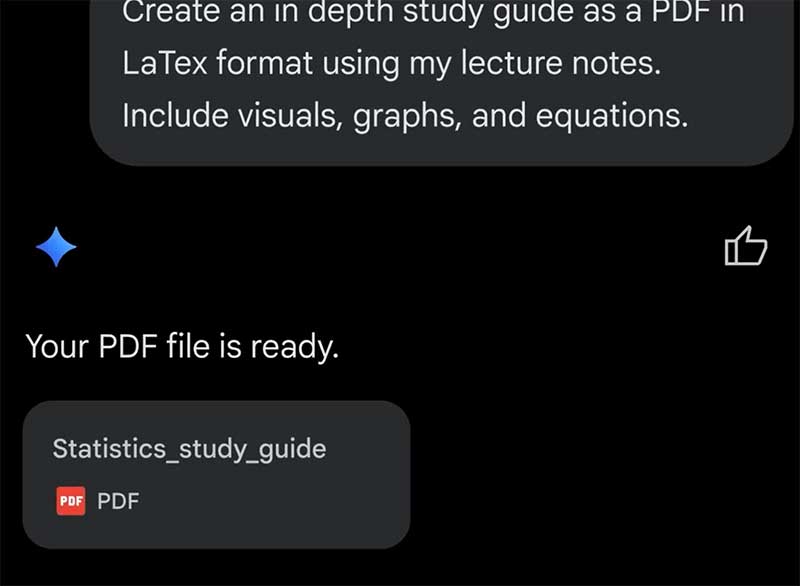 Cách tạo và xuất file Microsoft Office trực tiếp từ đoạn chat với Gemini (03/05/2026)
  5 Python decorator giúp viết code AI sạch và dễ kiểm soát hơn (03/05/2026)
  Skills trong Chrome là gì? Cách biến prompt AI thành công cụ “1 click” cực tiện lợi (03/05/2026)
  Tạo tranh vẽ dễ thương từ ảnh bằng AI (04/05/2026)
 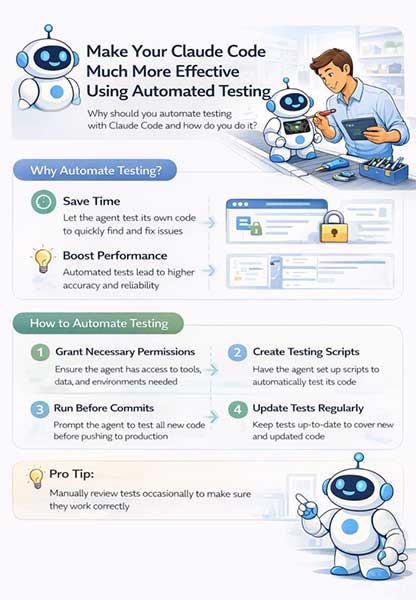 Cách cải thiện hiệu suất Claude Code bằng testing tự động (04/05/2026)
  10 Prompt biến NotebookLM thành trợ lý nghiên cứu đỉnh cao (04/05/2026)
 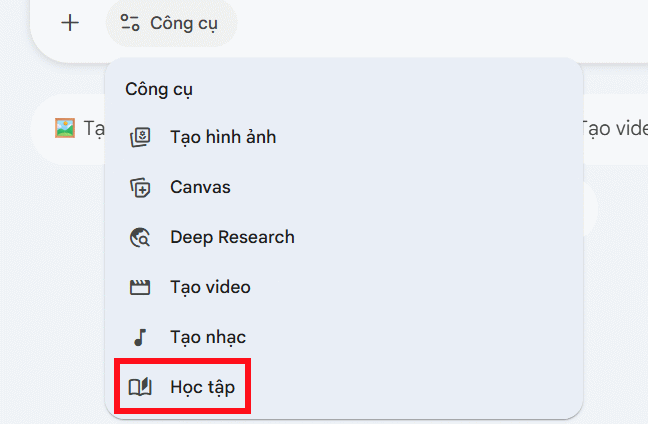 Hướng dẫn thiết kế ý tưởng và cấu trúc dàn ý bằng Gemini (04/05/2026)
 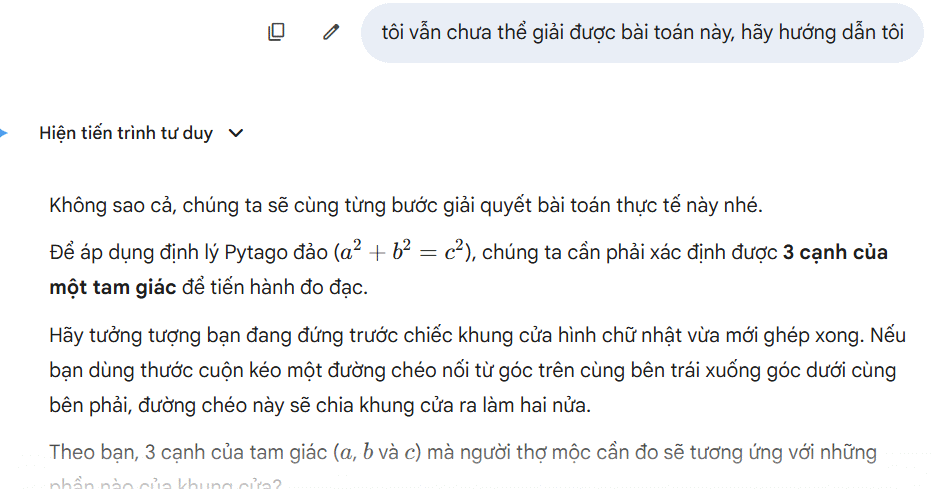 Sử dụng chế độ Học tập Gemini triển khai hình ảnh trực quan khái niệm (04/05/2026)
  RAG và Context Engineering (Kỹ thuật ngữ cảnh) (04/05/2026)
 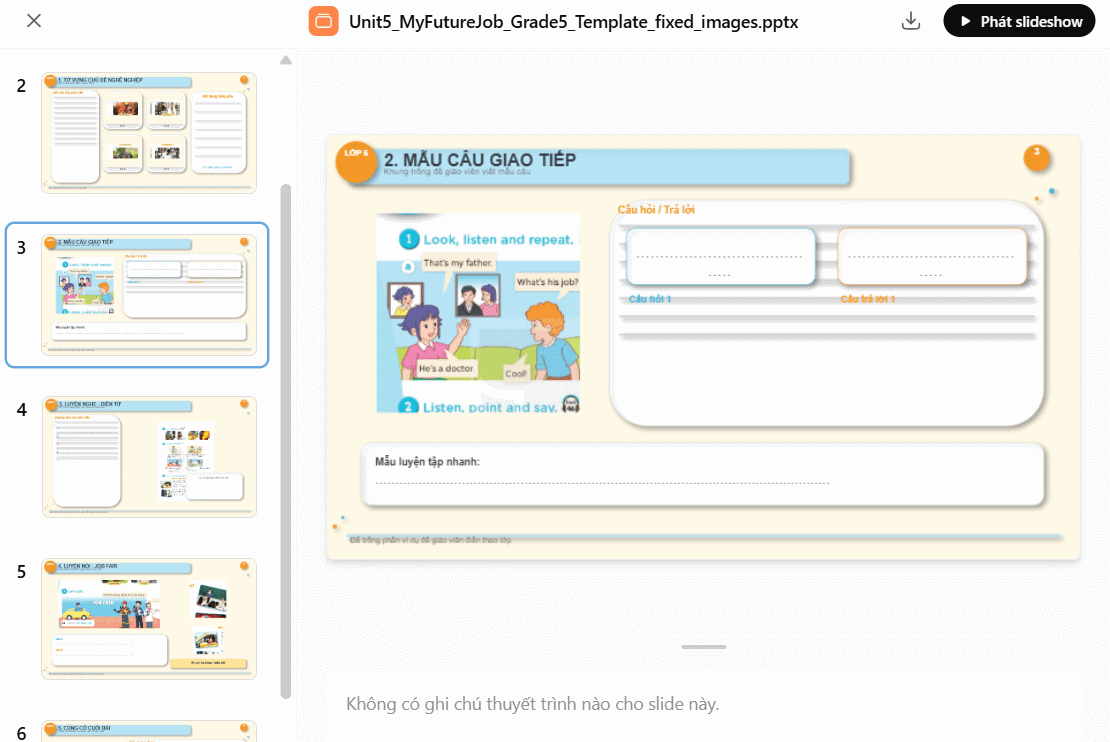 Hướng dẫn tạo slide thuyết trình bằng ChatGPT (04/05/2026)
 Những tin cũ hơn
 Cách khắc phục sự cố và những phương pháp tốt nhất trong Claude Dispatch (01/05/2026)
 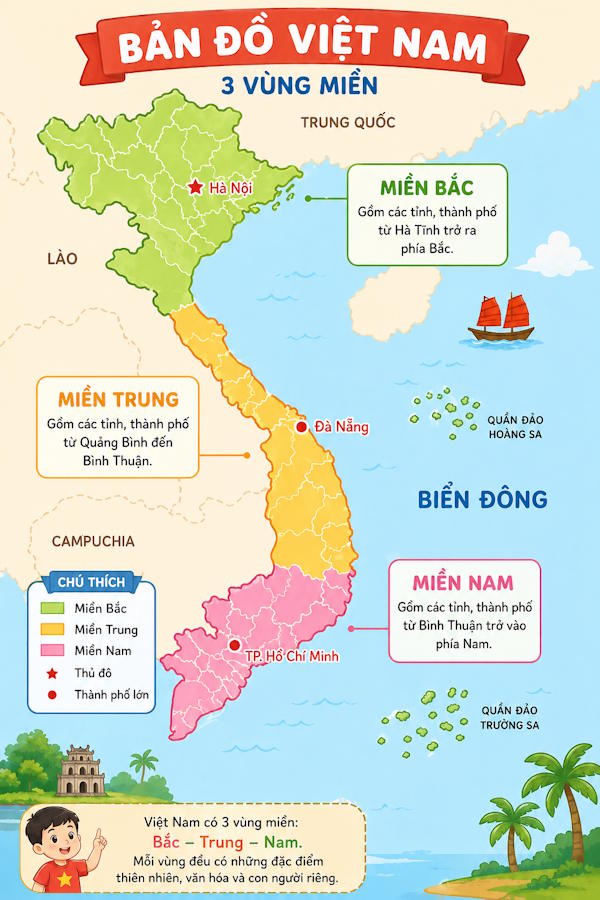 Prompt tạo học liệu bằng hình ảnh trên ChatGPT (01/05/2026)
 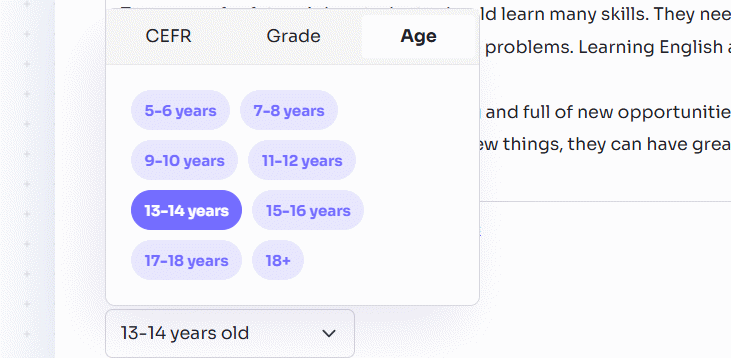 Hướng dẫn tạo câu hỏi mở cho đoạn văn trên Twee (01/05/2026)
 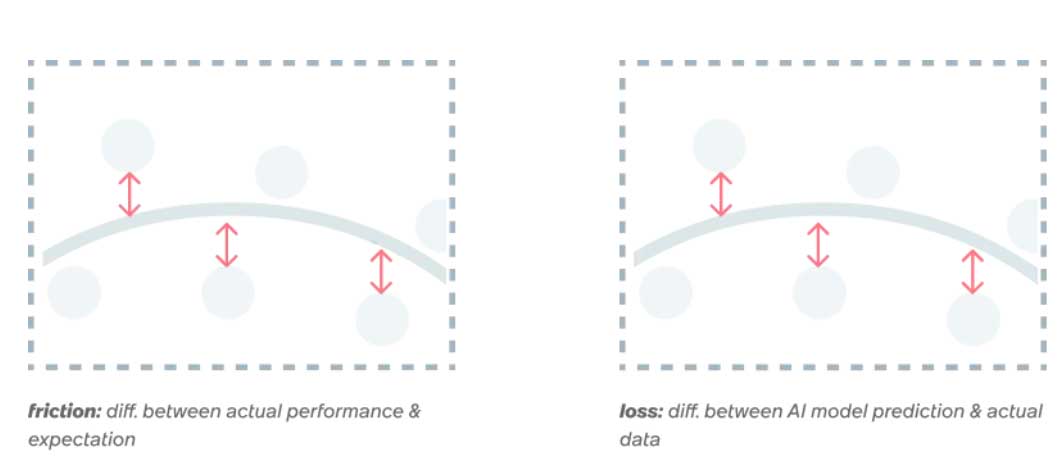 Product Design và AI: Khi thiết kế trở thành hệ thống tối ưu hóa (01/05/2026)
  10 GitHub repository giúp bạn làm chủ Claude Code và AI agent coding (01/05/2026)
  Cách sử dụng Humata đọc hiểu tài liệu PDF nhanh chóng (01/05/2026)
 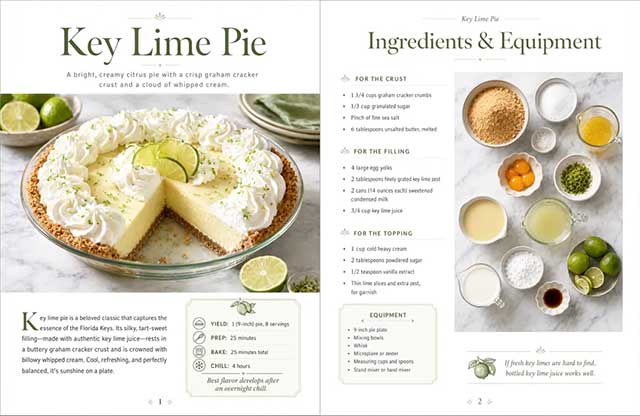 ChatGPT Images 2 là gì? Cách tạo infographic, tài liệu với ChatGPT Images 2 (29/04/2026)
 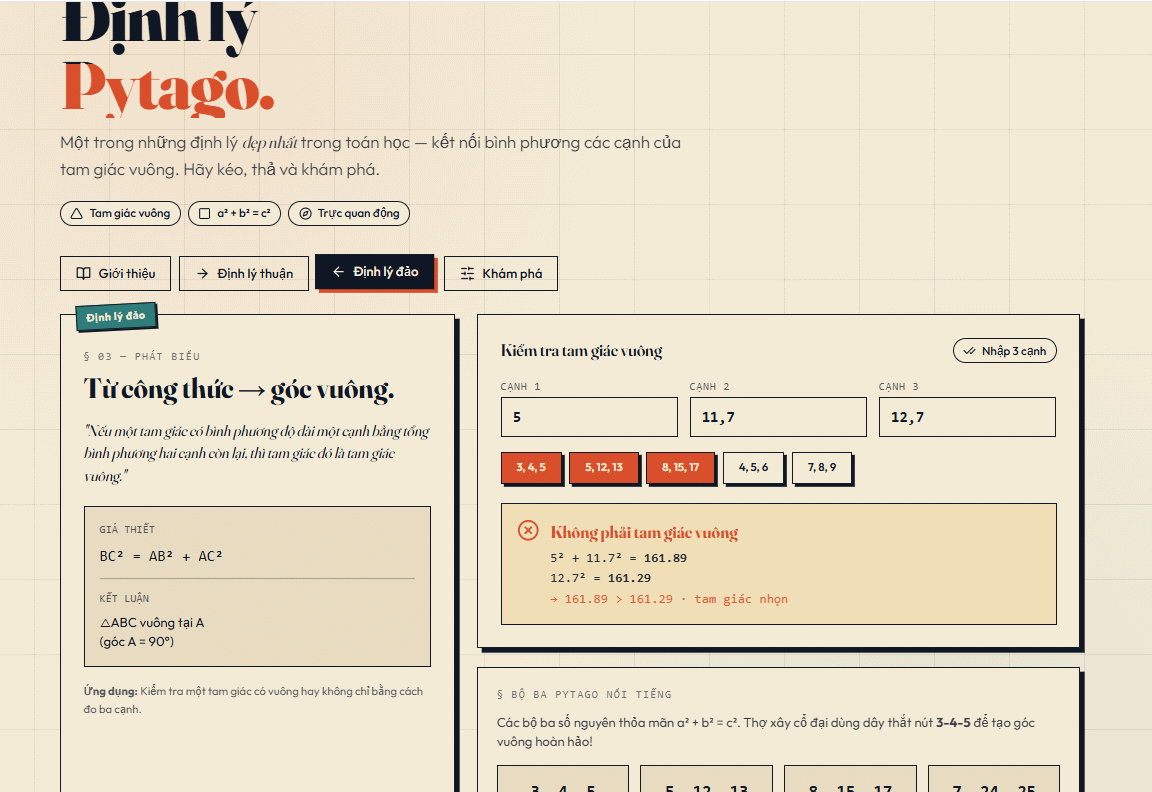 Cách tạo trang web mô tả kiến thức trực quan trên Canva AI (29/04/2026)
  Cách thức hoạt động của Voice AI (29/04/2026)
  Thiết kế hội thoại cho AI Voice Agent (29/04/2026)
 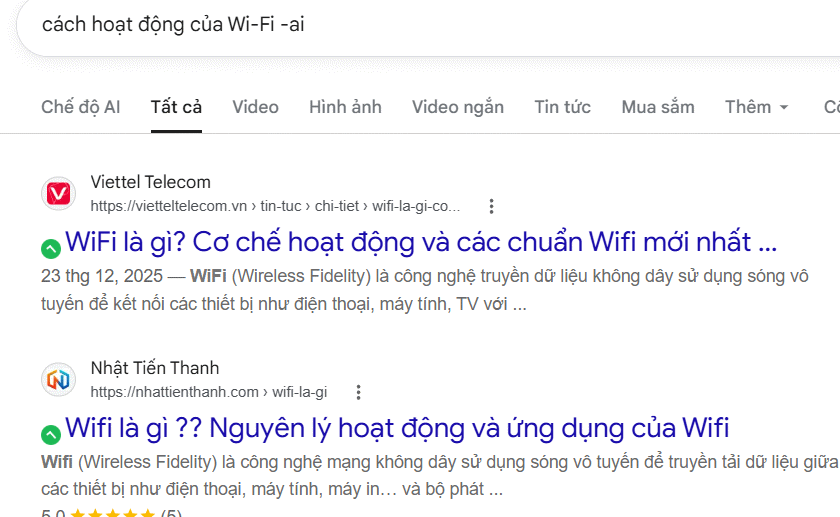 Mẹo bỏ qua phần trả lời AI trên Google chỉ với 3 ký tự
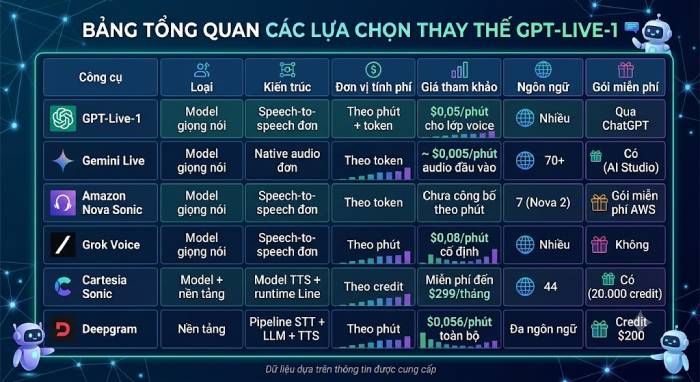 TOP lựa chọn thay thế GPT-Live-1 cho giọng nói AI
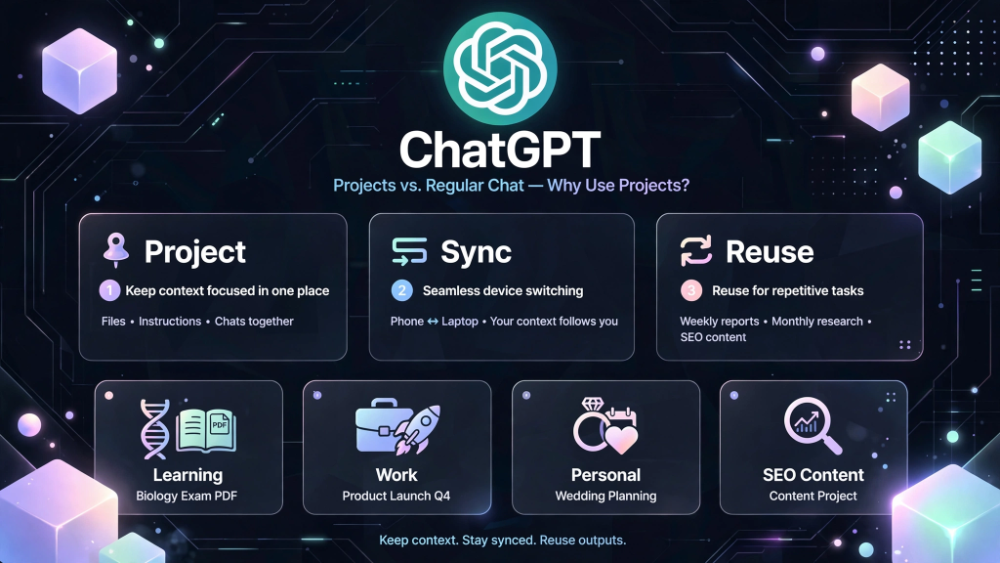 Tính năng Dự Án trong ChatGPT là gì? Hướng dẫn sử dụng từ A đến Z
 Bộ công cụ tạo bài thuyết trình bằng AI
 TOP ứng dụng Claude AI có thể tạo mà không cần viết code
 AI tích hợp bảng tính: Gemini trong Sheets và Copilot trong Excel
 Xây dựng Copilot Studio agent flow đầu tiên trong 15 phút
 API Key là gì?
 Hướng dẫn tạo báo cáo tương tác trên NotebookLM
 Tại sao nên dùng AI để tạo bài thuyết trình?
 Cách dùng Perplexity làm trợ lý mua sắm cá nhân
 Gmail Live: Tìm và quản lý email bằng giọng nói
 TOP nguồn prompt ChatGPT chất lượng và đa dạng
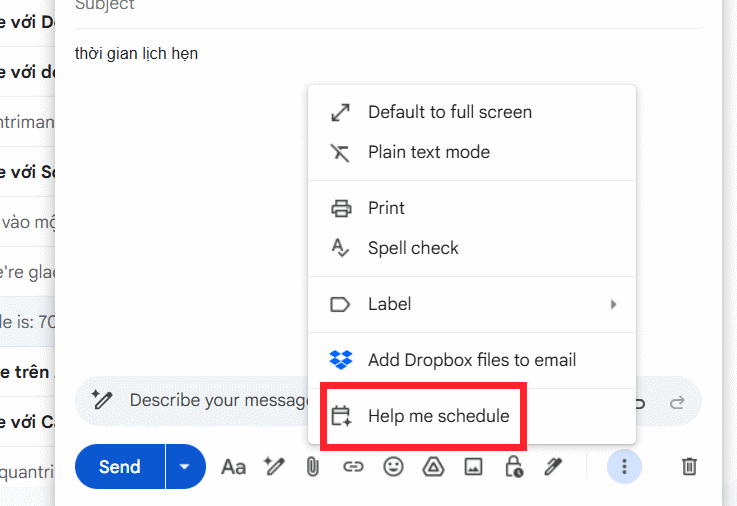 Cách gợi ý lịch hẹn bằng Gemini trong Gmail
 Cách tạo và xuất file Microsoft Office trực tiếp từ Gemini
 8 cách sử dụng ChatGPT cho SEO thật sự thiết thực
 Cách xây dựng workflow thực tế cho mạng xã hội bằng ChatGPT
 Templates trong ChatGPT là gì? Hướng dẫn sử dụng chi tiết Templates
 Kimi Code vs Claude Code: Đâu là công cụ AI lập trình tốt hơn?
 Làm sạch và chuẩn bị dữ liệu bảng tính với AI
 Cách lập trình chuyên nghiệp hơn, dễ dàng hơn với tính năng Tệp trên Grok
 Hướng dẫn cài đặt và sử dụng n8n trên Windows 11
 Công thức tính diện tích hình Elip
 Hướng dẫn ngắt kết nối ứng dụng trên ChatGPT
 Hướng dẫn tạo đoạn hội thoại cho topic trên Twee
 8 ứng dụng Microsoft Store miễn phí giúp Windows tốt hơ
 Bức tranh tổng quan về hỗ trợ khách hàng tích hợp AI
 Đừng chia sẻ ảnh cho đến khi bạn chạy kiểm tra siêu dữ liệu này!
 6 cách mở Computer/System Properties trong Windows 10
 Cách sửa lỗi There Are Currently No Power Options Available Windows