<!DOCTYPE html>
    <html lang="vi" xmlns="http://www.w3.org/1999/xhtml" prefix="og: http://ogp.me/ns#">
    <head>
<title>Hãy tắt 7 Windows service này để kéo dài tuổi thọ pin&#33;</title>
<meta name="description" content="Hãy tắt 7 Windows service này để kéo dài tuổi thọ pin&#33; - Savefile - Tin Tức -...">
<meta name="author" content=".: Nguoicodonvn2008.info - Cõi lòng người cô đơn :.">
<meta name="copyright" content=".: Nguoicodonvn2008.info - Cõi lòng người cô đơn :. [admin@nguoicodonvn2008.info]">
<meta name="robots" content="index, archive, follow, noodp">
<meta name="googlebot" content="index,archive,follow,noodp">
<meta name="msnbot" content="all,index,follow">
<meta name="generator" content="NukeViet v4.5">
<meta http-equiv="Content-Type" content="text/html; charset=utf-8">
<meta property="og:title" content="Hãy tắt 7 Windows service này để kéo dài tuổi thọ pin&#33;">
<meta property="og:type" content="website">
<meta property="og:description" content="Savefile - Tin Tức - https&#x3A;&#x002F;&#x002F;www.nguoicodonvn2008.info&#x002F;vi&#x002F;news&#x002F;savefile&#x002F;kien-thuc-may-tinh&#x002F;hay-tat-7-windows-service-nay-de-keo-dai-tuoi-tho-pin-10805.html">
<meta property="og:site_name" content=".&#x3A; Nguoicodonvn2008.info - Cõi lòng người cô đơn &#x3A;.">
<meta property="og:url" content="https://www.nguoicodonvn2008.info/vi/news/savefile/kien-thuc-may-tinh/hay-tat-7-windows-service-nay-de-keo-dai-tuoi-tho-pin-10805.html">
<link rel="shortcut icon" href="https://www.nguoicodonvn2008.info/favicon.ico">
<link rel="canonical" href="https://www.nguoicodonvn2008.info/vi/news/savefile/kien-thuc-may-tinh/hay-tat-7-windows-service-nay-de-keo-dai-tuoi-tho-pin-10805.html">
<link rel="alternate" href="https://www.nguoicodonvn2008.info/vi/news/rss/" title="Tin Tức" type="application/rss+xml">
<link rel="alternate" href="https://www.nguoicodonvn2008.info/vi/news/rss/karaoke-dual/" title="Tin Tức - Karaoke Dual" type="application/rss+xml">
<link rel="alternate" href="https://www.nguoicodonvn2008.info/vi/news/rss/nhac-tre/" title="Tin Tức - Nhạc trẻ" type="application/rss+xml">
<link rel="alternate" href="https://www.nguoicodonvn2008.info/vi/news/rss/tru-tinh/" title="Tin Tức - Trữ tình" type="application/rss+xml">
<link rel="alternate" href="https://www.nguoicodonvn2008.info/vi/news/rss/nuoc-ngoai/" title="Tin Tức - Nước ngoài" type="application/rss+xml">
<link rel="alternate" href="https://www.nguoicodonvn2008.info/vi/news/rss/remix/" title="Tin Tức - Remix" type="application/rss+xml">
<link rel="alternate" href="https://www.nguoicodonvn2008.info/vi/news/rss/tam-su-tinh-yeu/" title="Tin Tức - Tâm sự tình yêu" type="application/rss+xml">
<link rel="alternate" href="https://www.nguoicodonvn2008.info/vi/news/rss/tho-suu-tam/" title="Tin Tức - Thơ sưu tầm" type="application/rss+xml">
<link rel="alternate" href="https://www.nguoicodonvn2008.info/vi/news/rss/cuoc-song/" title="Tin Tức - Cuộc sống" type="application/rss+xml">
<link rel="alternate" href="https://www.nguoicodonvn2008.info/vi/news/rss/phan-mem/" title="Tin Tức - Phần mềm" type="application/rss+xml">
<link rel="alternate" href="https://www.nguoicodonvn2008.info/vi/news/rss/kien-thuc-may-tinh/" title="Tin Tức - Kiến thức máy tính" type="application/rss+xml">
<link rel="alternate" href="https://www.nguoicodonvn2008.info/vi/news/rss/hoc-tap/" title="Tin Tức - Học tập" type="application/rss+xml">
<link rel="alternate" href="https://www.nguoicodonvn2008.info/vi/news/rss/tai-lieu/" title="Tin Tức - Tài liệu" type="application/rss+xml">
<link rel="alternate" href="https://www.nguoicodonvn2008.info/vi/news/rss/de-thi/" title="Tin Tức - Đề thi" type="application/rss+xml">
<link rel="preload" as="style" href="https://www.nguoicodonvn2008.info/assets/css/font-awesome.min.css" type="text/css">
<link rel="preload" as="style" href="https://www.nguoicodonvn2008.info/themes/default/css/bootstrap.non-responsive.css" type="text/css">
<link rel="preload" as="style" href="https://www.nguoicodonvn2008.info/themes/default/css/style.css" type="text/css">
<link rel="preload" as="style" href="https://www.nguoicodonvn2008.info/themes/default/css/style.non-responsive.css" type="text/css">
<link rel="preload" as="style" href="https://www.nguoicodonvn2008.info/themes/default/css/news.css" type="text/css">
<link rel="preload" as="style" href="https://www.nguoicodonvn2008.info/themes/default/css/custom.css" type="text/css">
<link rel="preload" as="script" href="https://www.nguoicodonvn2008.info/assets/js/jquery/jquery.min.js" type="text/javascript">
<link rel="preload" as="script" href="https://www.nguoicodonvn2008.info/assets/js/language/vi.js" type="text/javascript">
<link rel="preload" as="script" href="https://www.nguoicodonvn2008.info/assets/js/DOMPurify/purify3.js" type="text/javascript">
<link rel="preload" as="script" href="https://www.nguoicodonvn2008.info/assets/js/global.js" type="text/javascript">
<link rel="preload" as="script" href="https://www.nguoicodonvn2008.info/assets/js/site.js" type="text/javascript">
<link rel="preload" as="script" href="https://www.nguoicodonvn2008.info/themes/default/js/news.js" type="text/javascript">
<link rel="preload" as="script" href="https://www.nguoicodonvn2008.info/themes/default/js/main.js" type="text/javascript">
<link rel="preload" as="script" href="https://www.nguoicodonvn2008.info/themes/default/js/custom.js" type="text/javascript">
<link rel="preload" as="script" href="https://www.nguoicodonvn2008.info/themes/default/js/bootstrap.min.js" type="text/javascript">
<link rel="stylesheet" href="https://www.nguoicodonvn2008.info/assets/css/font-awesome.min.css">
<link rel="stylesheet" href="https://www.nguoicodonvn2008.info/themes/default/css/bootstrap.non-responsive.css">
<link rel="stylesheet" href="https://www.nguoicodonvn2008.info/themes/default/css/style.css">
<link rel="stylesheet" href="https://www.nguoicodonvn2008.info/themes/default/css/style.non-responsive.css">
<link rel="StyleSheet" href="https://www.nguoicodonvn2008.info/themes/default/css/news.css">
<link rel="stylesheet" href="https://www.nguoicodonvn2008.info/themes/default/css/custom.css">
<style type="text/css">
	body{background: #fff;}
</style>
    </head>
    <body>
<div id="print">
	<div id="hd_print">
		<h2 class="pull-left">.&#x3A; Nguoicodonvn2008.info - Cõi lòng người cô đơn &#x3A;.</h2>
		<p class="pull-right"><a title=".&#x3A; Nguoicodonvn2008.info - Cõi lòng người cô đơn &#x3A;." href="https://www.nguoicodonvn2008.info/">https://www.nguoicodonvn2008.info</a></p>
	</div>
	<div class="clear"></div>
	<hr />
	<div id="content">
		<h1>Hãy tắt 7 Windows service này để kéo dài tuổi thọ pin&#33;</h1>
		<ul class="list-inline">
			<li>Thứ hai - 21/07/2025 08:20</li>
			<li class="hidden-print txtrequired"><em class="fa fa-print">&nbsp;</em><a title="In ra" href="javascript:;" onclick="window.print()">In ra</a></li>
			<li class="hidden-print txtrequired"><em class="fa fa-power-off">&nbsp;</em><a title="Đóng cửa sổ này" href="javascript:;" onclick="window.close()">Đóng cửa sổ này</a></li>
		</ul>
		<div class="clear"></div>
		<div id="hometext">
		</div>
				<div class="imghome">
			<img alt="Hãy tắt 7 Windows service này để kéo dài tuổi thọ pin&#33;" src="https://st.quantrimang.com/photos/image/2025/07/21/windows-service-can-tat-de-keo-dai-tuoi-tho-pin-7.jpg" width="460" class="img-thumbnail" />
		</div>
		<div class="clear"></div>
		<div id="bodytext" class="clearfix">
			<p style="text-align: justify;">Hầu hết laptop Windows đều không được đánh giá cao về thời lượng pin; một phần lý do là Windows chứa đầy các service nền mà bạn không thực sự cần. Tắt một vài service trong số đó có thể giúp bạn tiết kiệm đáng kể thời lượng pin mà không ảnh hưởng đến việc sử dụng hàng ngày.</p>

<h2 style="text-align: justify;">7. Windows Search Indexer</h2>

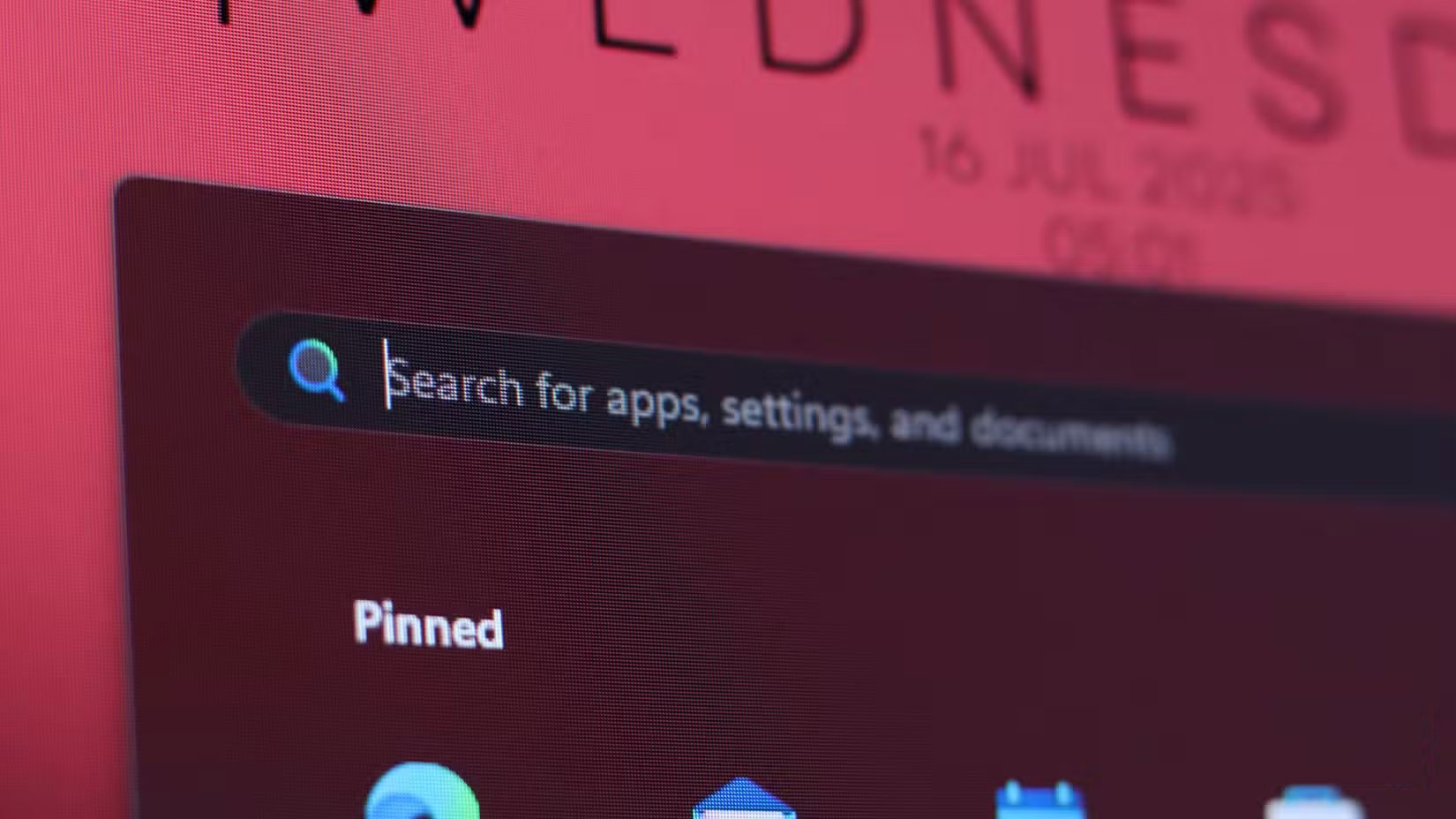
<p style="text-align: justify;">Windows Search Indexer, còn được gọi là searchindexer.exe trong&nbsp;Task Manager, là một trong những service nền đầu tiên bạn nên tắt để kéo dài thời lượng pin cho laptop. Service này hỗ trợ chức năng tìm kiếm Windows trên PC, giúp bạn tìm kiếm file và thư mục. Nghe có vẻ quan trọng, nhưng chức năng này không nhanh, liên tục chạy ngầm, chiếm dụng tài nguyên&nbsp;CPU, ngốn pin và thậm chí còn không hoạt động tốt.</p>

<figure>
<div style="text-align: justify;"><img alt="Tìm kiếm Windows trong menu Start" data-i="0" data-src="https://st.quantrimang.com/photos/image/2025/07/21/windows-service-can-tat-de-keo-dai-tuoi-tho-pin-1.jpg" data-was-processed="true" height="928" src="https://st.quantrimang.com/photos/image/2025/07/21/windows-service-can-tat-de-keo-dai-tuoi-tho-pin-1.jpg" width="1650" /></div>

<figcaption>
<div style="text-align: justify;">Tìm kiếm Windows trong menu Start</div>
</figcaption>
</figure>

<p style="text-align: justify;">Tắt service sẽ không ảnh hưởng gì đến máy tính - tất nhiên là ngoại trừ Windows Search. Tuy nhiên, vẫn có những lựa chọn thay thế tốt hơn, chẳng hạn như Agent Ransack, Everything và tiện ích PowerToys Run.</p>

<h2 style="text-align: justify;">6. Background Intelligent Transfer Service (BITS)</h2>

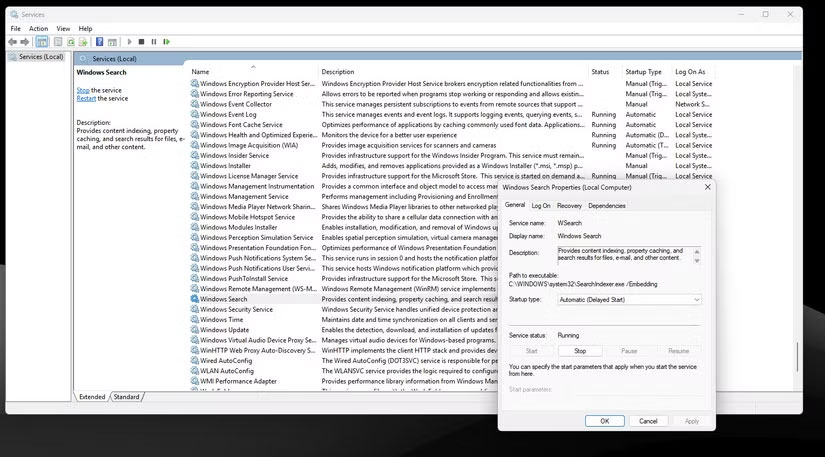
<p style="text-align: justify;">BITS, hay Background Intelligent Transfer Service, được sử dụng để hỗ trợ tải xuống và cài đặt các bản cập nhật ở chế độ nền. Đây là một service khác chạy ngầm, tiêu tốn CPU, bộ nhớ, dung lượng lưu trữ và tất nhiên là cả điện năng. Nó được thiết kế để sử dụng băng thông mạng nhàn rỗi, nhưng lại chạy gần như liên tục ở chế độ nền, dẫn đến việc hao pin vừa phải nhưng dai dẳng.</p>

<figure>
<div style="text-align: justify;"><img alt="Trình quản lý service Windows với các thuộc tính đang mở" data-i="1" data-src="https://st.quantrimang.com/photos/image/2025/07/21/windows-service-can-tat-de-keo-dai-tuoi-tho-pin-2.jpg" data-was-processed="true" height="457" src="https://st.quantrimang.com/photos/image/2025/07/21/windows-service-can-tat-de-keo-dai-tuoi-tho-pin-2.jpg" width="825" /></div>

<figcaption>
<div style="text-align: justify;">Trình quản lý service Windows với các thuộc tính đang mở</div>
</figcaption>
</figure>

<p style="text-align: justify;">Việc tắt service này sẽ ít ảnh hưởng đến hệ thống. Bạn sẽ phải cập nhật Windows theo cách thủ công - điều này thực sự có thể là một lợi thế, xét đến tần suất các bản cập nhật Windows thường làm gián đoạn chức năng. Ngoài ra, các thành phần Windows khác phụ thuộc vào BITS, chẳng hạn như bất kỳ ứng dụng Microsoft Store nào bạn đã cài đặt, cũng sẽ yêu cầu cập nhật thủ công.</p>

<h2 style="text-align: justify;">5. Connected User Experiences and Telemetry</h2>

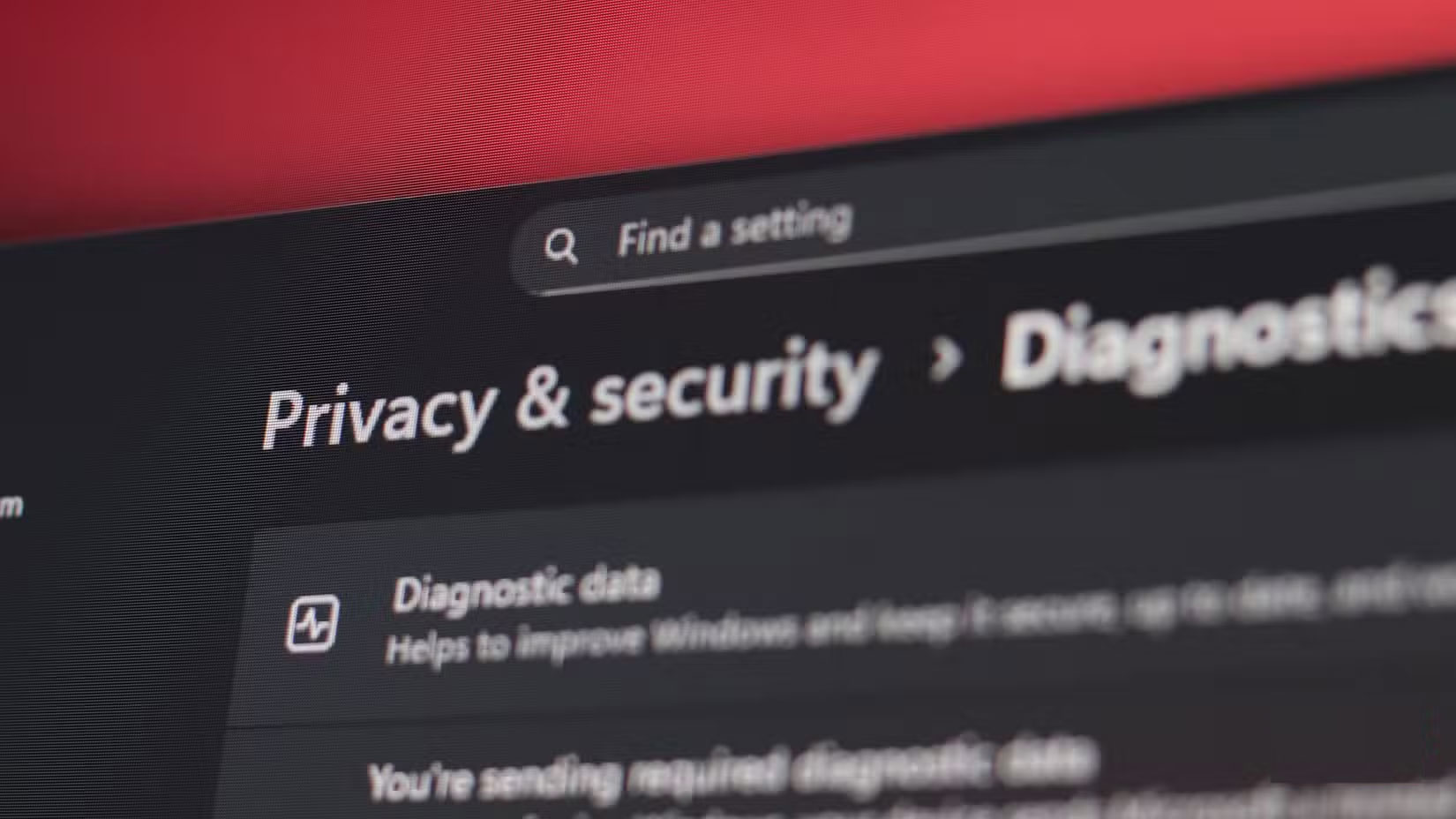
<p style="text-align: justify;">Như bạn có thể đã biết,&nbsp;Windows 11&nbsp;thu thập rất nhiều dữ liệu về cách bạn sử dụng máy tính. Để hỗ trợ việc thu thập dữ liệu này, service Connected User Experiences and Telemetry liên tục chạy ở chế độ nền, báo cáo các sự kiện hệ thống như sự cố ứng dụng, mức sử dụng tính năng, số liệu hiệu suất, v.v... cho Microsoft.</p>

<figure>
<div style="text-align: justify;"><img alt="Cài đặt Windows Privacy &amp; security" data-i="2" data-src="https://st.quantrimang.com/photos/image/2025/07/21/windows-service-can-tat-de-keo-dai-tuoi-tho-pin-3.jpg" data-was-processed="true" height="928" src="https://st.quantrimang.com/photos/image/2025/07/21/windows-service-can-tat-de-keo-dai-tuoi-tho-pin-3.jpg" width="1650" /></div>

<figcaption>
<div style="text-align: justify;">Cài đặt Windows Privacy &amp; security</div>
</figcaption>
</figure>

<p style="text-align: justify;">Bạn nên tắt service này nếu lo lắng về quyền riêng tư trên Windows 11. Ngoài ra, vì service này liên tục sử dụng tài nguyên hệ thống ở chế độ nền, việc tắt nó có thể giảm mức tiêu thụ điện năng tổng thể của PC.</p>

<h2 style="text-align: justify;">4. Program Compatibility Assistant Service</h2>

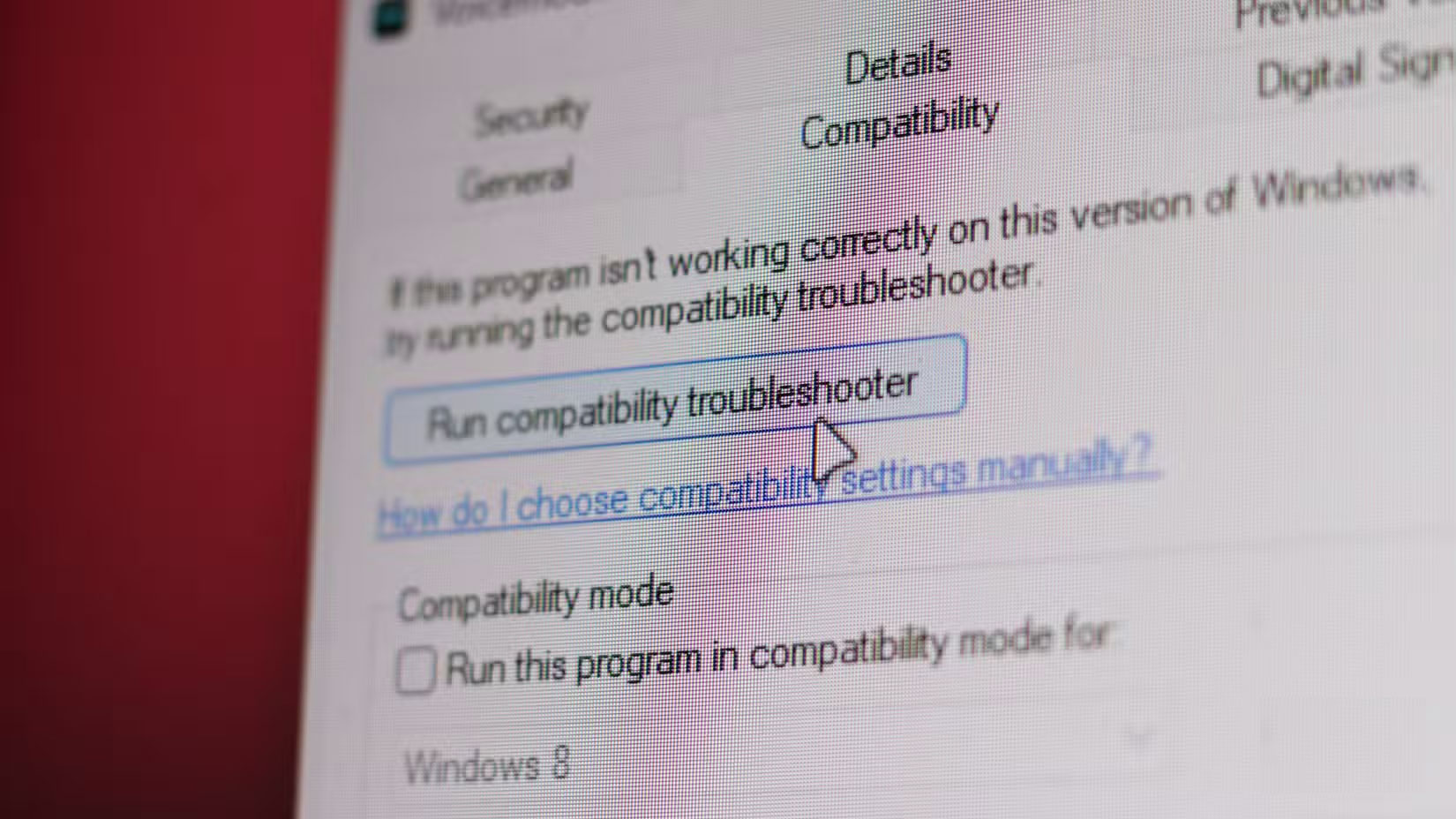
<p style="text-align: justify;">Windows Program Compatibility Assistant Service không phải là thứ bạn sẽ sử dụng hàng ngày; tuy nhiên, nó có thể tiêu tốn đáng kể CPU, bộ nhớ và năng lượng khi phân tích các vấn đề về tương thích chương trình. Điều đó có vẻ quan trọng với bạn, nhưng nó hiếm khi hữu ích.</p>

<figure>
<div style="text-align: justify;"><img alt="Các tùy chọn khắc phục sự cố tương thích Windows" data-i="3" data-src="https://st.quantrimang.com/photos/image/2025/07/21/windows-service-can-tat-de-keo-dai-tuoi-tho-pin-4.jpg" data-was-processed="true" height="928" src="https://st.quantrimang.com/photos/image/2025/07/21/windows-service-can-tat-de-keo-dai-tuoi-tho-pin-4.jpg" width="1650" /></div>

<figcaption>
<div style="text-align: justify;">Các tùy chọn khắc phục sự cố tương thích Windows</div>
</figcaption>
</figure>

<p style="text-align: justify;">Việc tắt service này sẽ không ảnh hưởng thực sự đến việc sử dụng Windows hàng ngày, trừ khi bạn đang sử dụng một ứng dụng cũ cụ thể. Một cách tiếp cận tốt hơn là tắt service này trên Windows 11 để có hiệu suất và thời lượng pin tốt hơn, sau đó cài đặt&nbsp;máy ảo&nbsp;để xử lý bất kỳ ứng dụng cũ nào.</p>

<h2 style="text-align: justify;">3. Windows Error Reporting</h2>

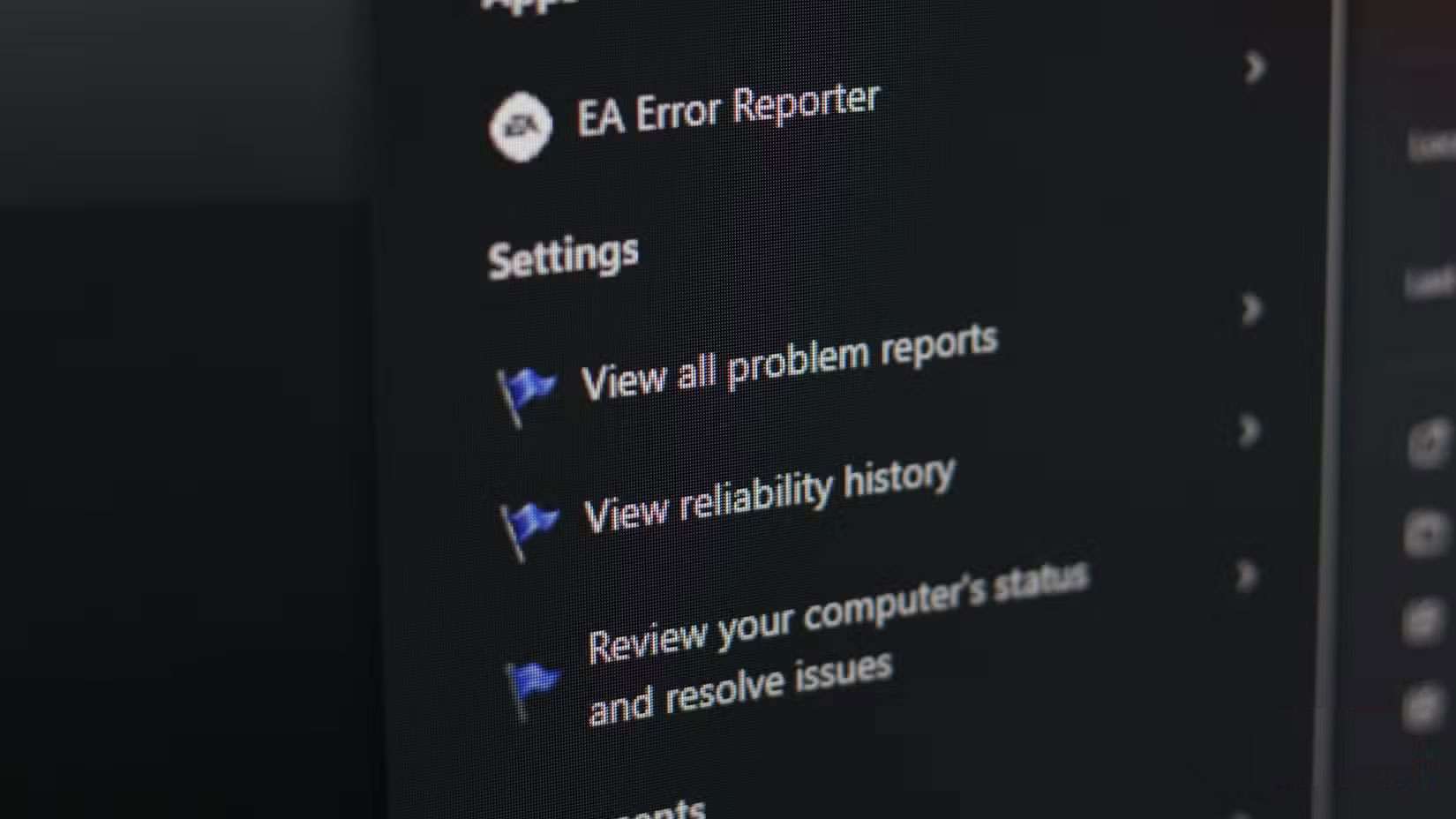
<p style="text-align: justify;">Windows Error Reporting chịu trách nhiệm thu thập và truyền dữ liệu sự cố. Service này không hoạt động liên tục, nhưng có thể sử dụng tới 10% CPU trong khi theo dõi bất kỳ lỗi nào đang hoạt động. Do tần suất xảy ra sự cố trên Windows, điều này có thể hoặc không thể là một yếu tố đáng kể ảnh hưởng đến thời lượng pin.</p>

<figure>
<div style="text-align: justify;"><img alt="Cài đặt Windows Error Reporting" data-i="4" data-src="https://st.quantrimang.com/photos/image/2025/07/21/windows-service-can-tat-de-keo-dai-tuoi-tho-pin-5.jpg" data-was-processed="true" height="928" src="https://st.quantrimang.com/photos/image/2025/07/21/windows-service-can-tat-de-keo-dai-tuoi-tho-pin-5.jpg" width="1650" /></div>

<figcaption>
<div style="text-align: justify;">Cài đặt Windows Error Reporting</div>
</figcaption>
</figure>

<p style="text-align: justify;">Service này không khắc phục bất kỳ sự cố nào trên hệ thống; nó chỉ báo cáo chúng cho Microsoft. Điều này có nghĩa là việc tắt service này sẽ không có tác động đáng kể nào đến việc sử dụng PC hàng ngày.</p>

<h2 style="text-align: justify;">2. Windows Update Medic Service</h2>

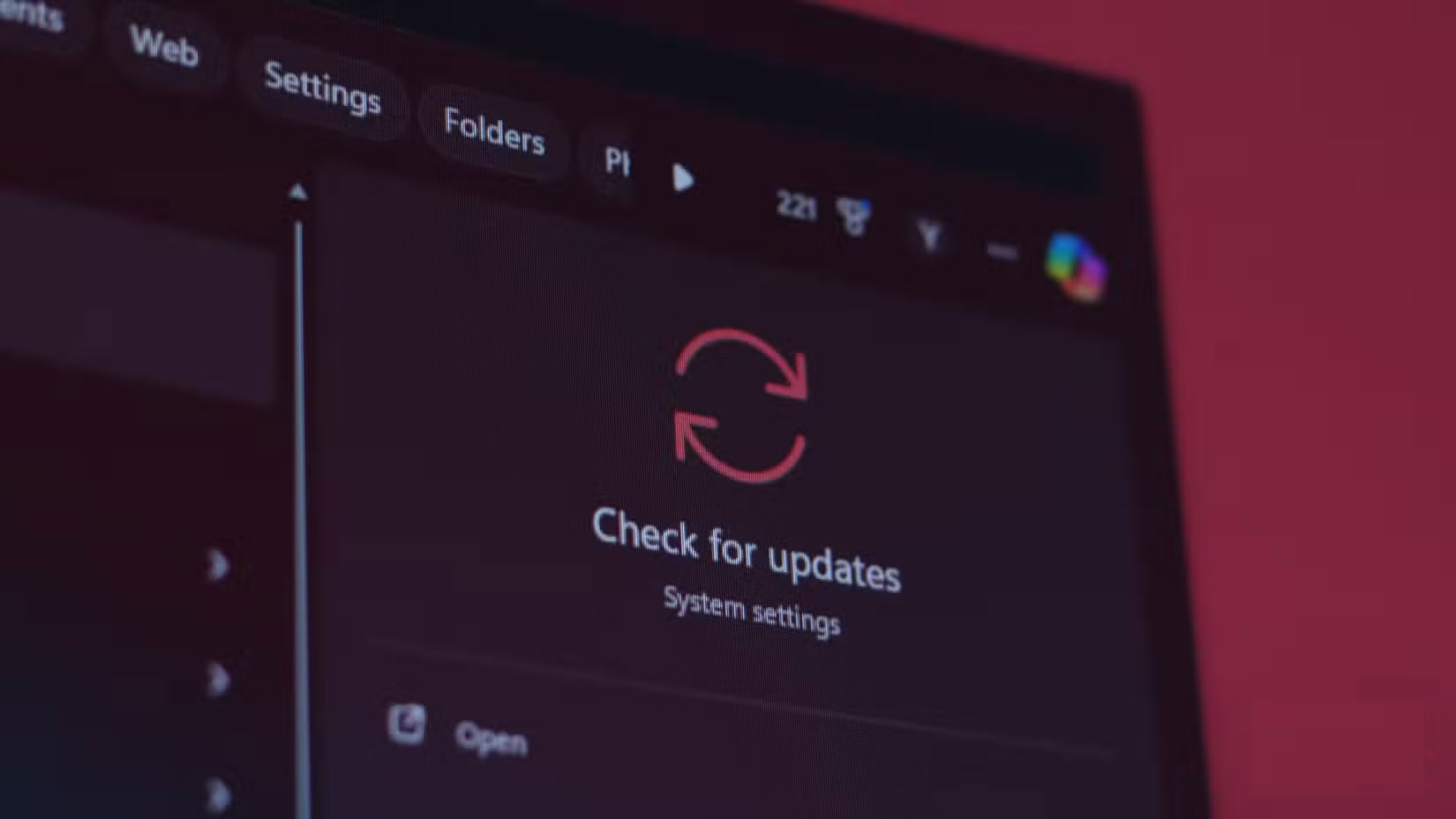
<p style="text-align: justify;">Windows Update Medic Service, hay WaaSMedic, chịu trách nhiệm đảm bảo Windows Update hoạt động chính xác. Service này thường hoạt động song song với BITS để phát hiện bất kỳ sự cố nào phát sinh trong quá trình cập nhật và cố gắng khắc phục chúng. Mặc dù đây là một cách đáng tin cậy để đảm bảo Windows tự cập nhật và các thành phần của nó mà không gặp sự cố, nhưng service này lại làm ảnh hưởng đến hiệu suất và thời lượng pin của bạn.</p>

<figure>
<div style="text-align: justify;"><img alt="Windows Update trong menu tìm kiếm" data-i="5" data-src="https://st.quantrimang.com/photos/image/2025/07/21/windows-service-can-tat-de-keo-dai-tuoi-tho-pin-6.jpg" data-was-processed="true" height="928" src="https://st.quantrimang.com/photos/image/2025/07/21/windows-service-can-tat-de-keo-dai-tuoi-tho-pin-6.jpg" width="1650" /></div>

<figcaption>
<div style="text-align: justify;">Windows Update trong menu tìm kiếm</div>
</figcaption>
</figure>

<p style="text-align: justify;">Tuy nhiên, khi cập nhật ứng dụng gặp sự cố, nếu không có service này, bạn có thể sẽ phải khởi động lại bản cập nhật hoặc toàn bộ hệ thống. Bạn nên tắt cả BITS và WaaSMedic cho tới khi đến lúc cập nhật hệ thống, lúc đó bạn có thể cắm điện và để nó chạy để cài đặt các bản cập nhật mà không gặp sự cố.</p>

<h2 style="text-align: justify;">1. Touch Keyboard and Handwriting Panel Service</h2>

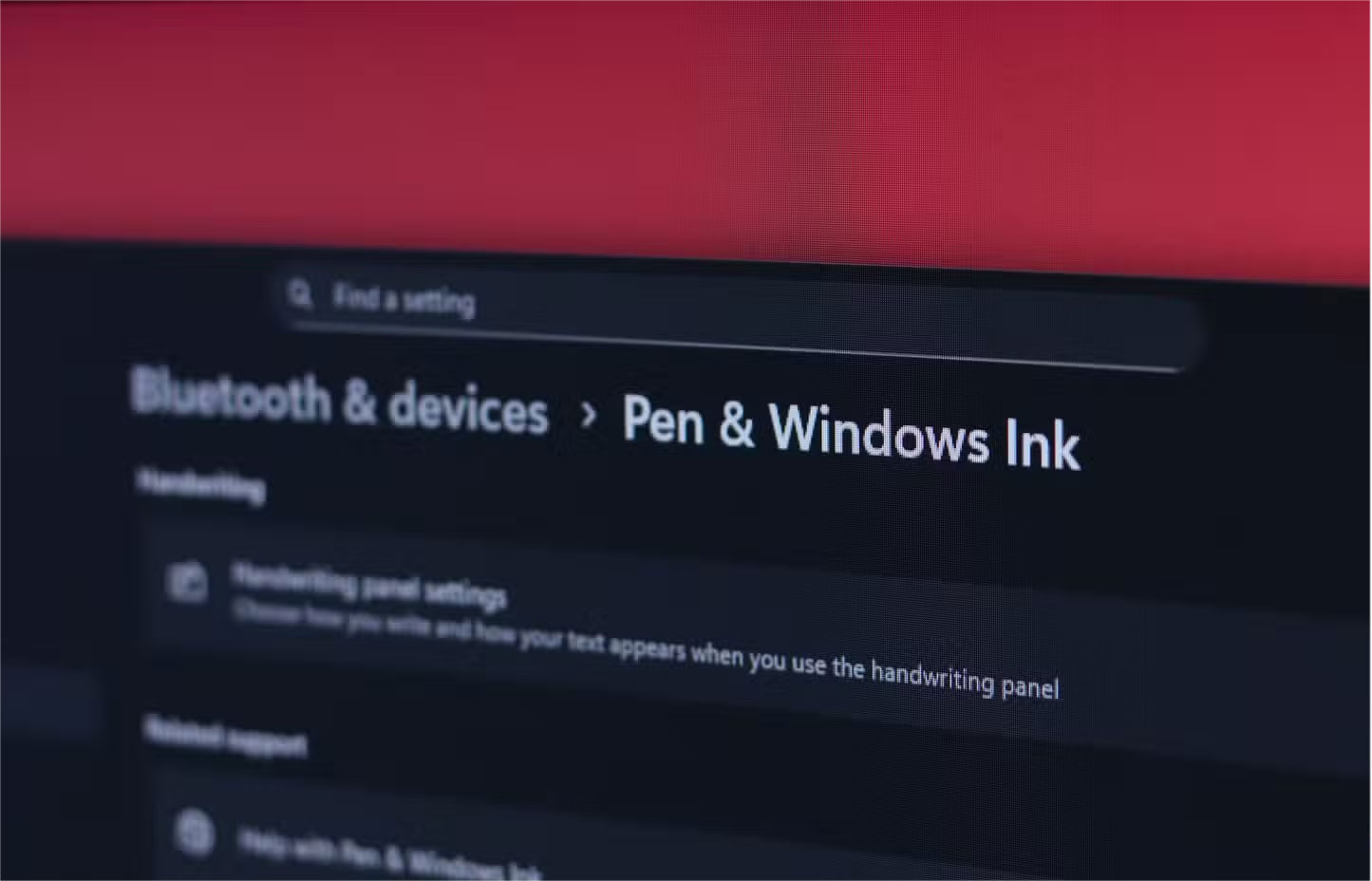
<p style="text-align: justify;">Đây là một trong những tính năng của Windows nên được tắt ngay khi cài đặt cho đến khi bạn cắm bảng vẽ, bút stylus hoặc thiết bị đầu vào tương tự. Tuy nhiên, tính năng này được bật mặc định và có thể âm thầm làm hao pin. Tuy không gây hao pin đáng kể, nhưng trừ khi bạn sử dụng cảm ứng hoặc bút stylus trên PC - điều mà bạn thường không làm khi máy đang chạy bằng pin - thì nó không có tác dụng gì.</p>

<figure>
<div style="text-align: justify;"><img alt="Cài đặt bút stylus trong Windows" data-i="6" data-src="https://st.quantrimang.com/photos/image/2025/07/21/windows-service-can-tat-de-keo-dai-tuoi-tho-pin-7.jpg" data-was-processed="true" height="928" src="https://st.quantrimang.com/photos/image/2025/07/21/windows-service-can-tat-de-keo-dai-tuoi-tho-pin-7.jpg" width="1445" /></div>

<figcaption>
<div style="text-align: justify;">Cài đặt bút stylus trong Windows</div>
</figcaption>
</figure>

<p style="text-align: justify;">Việc tắt service này sẽ không mang lại hiệu quả kỳ diệu nào về thời lượng pin. Tuy nhiên, việc tắt các tiến trình không cần thiết trên PC cũng giúp ích đôi chút, đặc biệt nếu bạn đang sử dụng phần cứng cũ. Tuy nhiên, nếu sử dụng laptop màn hình cảm ứng, bạn không nên tắt service này vì làm như vậy có thể khiến màn hình cảm ứng ngừng hoạt động.</p>

<div style="text-align: justify;">&nbsp;</div>
		</div>
				<div id="author">
						<p>
				<strong>Nguồn tin:</strong>
				Quantrimang.com:
			</p>
		</div>
	</div>
	<div id="footer" class="clearfix">
		<div id="url">
			<strong>URL của bản tin này: </strong><a href="https://www.nguoicodonvn2008.info/vi/news/savefile/kien-thuc-may-tinh/hay-tat-7-windows-service-nay-de-keo-dai-tuoi-tho-pin-10805.html" title="Hãy tắt 7 Windows service này để kéo dài tuổi thọ pin&#33;">https://www.nguoicodonvn2008.info/vi/news/savefile/kien-thuc-may-tinh/hay-tat-7-windows-service-nay-de-keo-dai-tuoi-tho-pin-10805.html</a>

		</div>
		<div class="clear"></div>
		<div class="copyright">
			&copy; .&#x3A; Nguoicodonvn2008.info - Cõi lòng người cô đơn &#x3A;.
		</div>
		<div id="contact">
			<a href="mailto:admin@nguoicodonvn2008.info">admin@nguoicodonvn2008.info</a>
		</div>
	</div>
</div>
        <div id="timeoutsess" class="chromeframe">
            Bạn đã không sử dụng Site, <a onclick="timeoutsesscancel();" href="https://www.nguoicodonvn2008.info/#">Bấm vào đây để duy trì trạng thái đăng nhập</a>. Thời gian chờ: <span id="secField"> 60 </span> giây
        </div>
        <div id="openidResult" class="nv-alert" style="display:none"></div>
        <div id="openidBt" data-result="" data-redirect=""></div>
		</script>
		<div class="car-top">
  <span><img src="https://www.nguoicodonvn2008.info/themes/default/images/car.png" alt=""></span>
</div>
<script src="https://www.nguoicodonvn2008.info/assets/js/jquery/jquery.min.js"></script>
<script>var nv_base_siteurl="/",nv_lang_data="vi",nv_lang_interface="vi",nv_name_variable="nv",nv_fc_variable="op",nv_lang_variable="language",nv_module_name="news",nv_func_name="savefile",nv_is_user=0, nv_my_ofs=-4,nv_my_abbr="EDT",nv_cookie_prefix="nv4c_e856T",nv_check_pass_mstime=1738000,nv_area_admin=0,nv_safemode=0,theme_responsive=0,nv_recaptcha_ver=2,nv_recaptcha_sitekey="",nv_recaptcha_type="image",XSSsanitize=1;</script>
<script src="https://www.nguoicodonvn2008.info/assets/js/language/vi.js"></script>
<script src="https://www.nguoicodonvn2008.info/assets/js/DOMPurify/purify3.js"></script>
<script src="https://www.nguoicodonvn2008.info/assets/js/global.js"></script>
<script src="https://www.nguoicodonvn2008.info/assets/js/site.js"></script>
<script src="https://www.nguoicodonvn2008.info/themes/default/js/news.js"></script>
<script src="https://www.nguoicodonvn2008.info/themes/default/js/main.js"></script>
<script src="https://www.nguoicodonvn2008.info/themes/default/js/custom.js"></script>
<script type="application/ld+json">
        {
            "@context": "https://schema.org",
            "@type": "Organization",
            "url": "https://www.nguoicodonvn2008.info",
            "logo": "https://www.nguoicodonvn2008.info/uploads/angel.gif"
        }
        </script>
<script src="https://www.nguoicodonvn2008.info/themes/default/js/bootstrap.min.js"></script>
<script type="text/javascript">
var $scrolltop = $('.car-top');
$scrolltop.on('click', function () {
    $('html,body').animate({
        scrollTop: 0
    }, 800);
    $(this).addClass("car-run");
    setTimeout(function(){ $scrolltop.removeClass('car-run');}, 1000);
    return false;
});
$(window).on('scroll', function ()
{ 
    if($(window).scrollTop() >= 200)
    {
        $scrolltop.addClass("show");
        $scrolltop.addClass("car-down");
    }
    else
    {
       $scrolltop.removeClass("show");
       setTimeout(function(){ $scrolltop.removeClass('car-down');}, 300);
    }
});
</script>
</body>
</html>